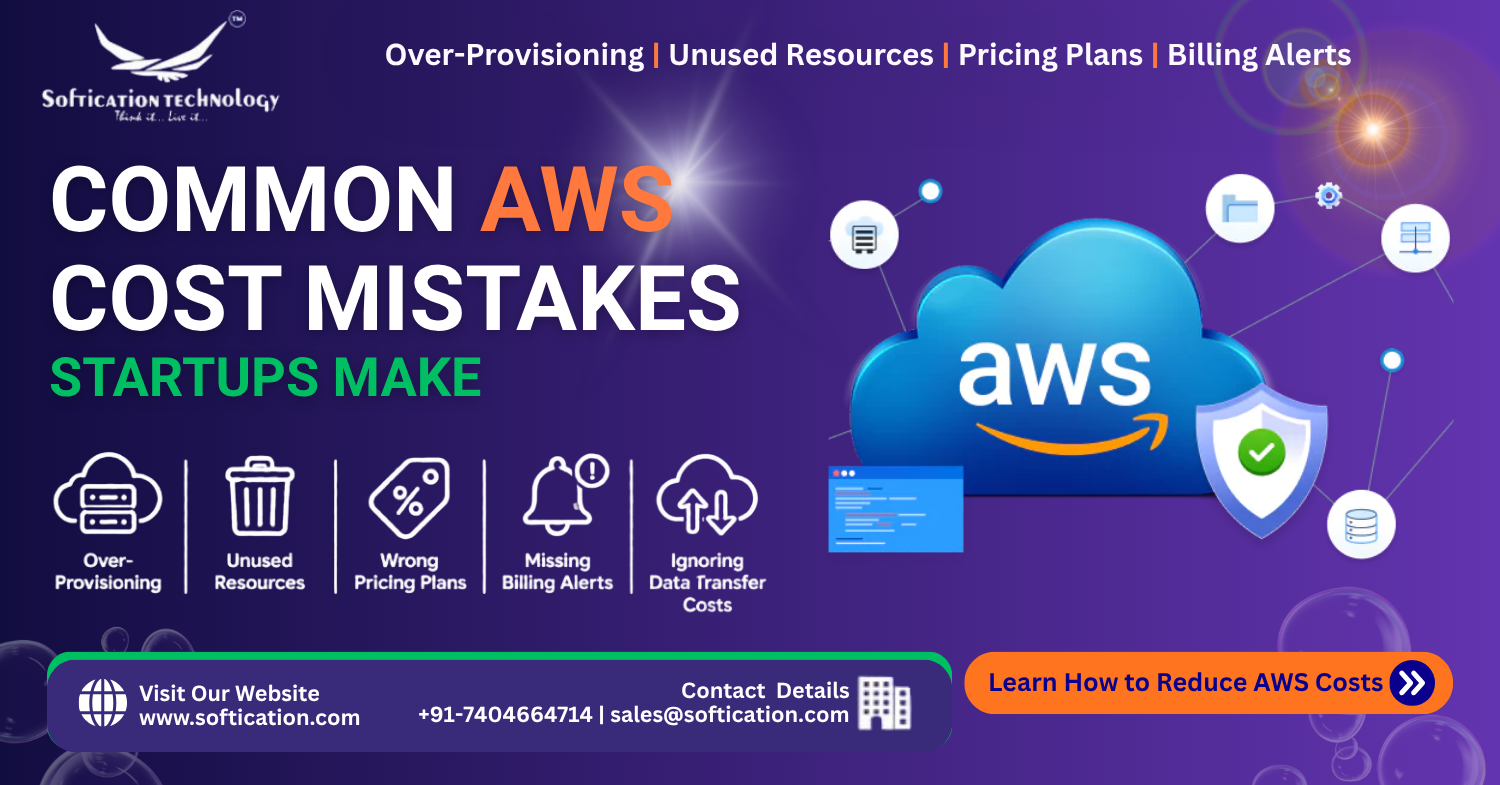
Most AWS cost overruns aren't the result of one big mistake — they're the accumulation of several small, individually reasonable decisions that nobody revisits. A slightly oversized instance here, a forgotten test environment there, a pricing model chosen out of convenience rather than fit. None of these feel significant in isolation, but together they're the most common reason startups end up paying far more than their actual usage requires. Here are the mistakes that show up most often, and what to do instead.
This post complements our guide to AWS cost optimization, which covers the proactive practices for reducing spend. Here, we focus on the specific, recurring mistakes that cause the overspend in the first place — worth reading alongside our broader AWS guide for startups and SMBs, our post on AWS benefits for startups, how to make the most of AWS Activate credits, and our guide to AWS cloud management best practices.
Mistake 1: Over-Provisioning "Just to Be Safe"
The most common mistake, by a wide margin, is selecting a larger instance type than actually needed during initial setup — often out of a reasonable instinct to avoid running out of capacity — and then never revisiting that decision once real usage data exists.
What this costs: Instances routinely running at 10-20% CPU utilization when a smaller, cheaper instance would handle the same load comfortably. Multiplied across every service running this way, the excess adds up to a meaningful and entirely avoidable percentage of total spend.
The fix: Use AWS Compute Optimizer to compare actual utilization against provisioned capacity, and right-size based on real data rather than initial estimates. Make this a recurring review, not a one-time correction.
Mistake 2: Using On-Demand Pricing for Predictable, Steady-State Workloads
On-Demand pricing is the default AWS pricing model, which means it's also the model most startups end up using for everything — including workloads that run continuously and predictably, like a production database, where Reserved Instances or Savings Plans would offer substantial discounts in exchange for a usage commitment.
What this costs: Reserved Instances and Savings Plans commonly offer 30-70% discounts compared to On-Demand pricing for equivalent usage. Running a predictable, always-on workload entirely on-demand means paying that premium indefinitely for no real flexibility benefit, since the workload wasn't actually variable to begin with.
The fix: Identify workloads that run continuously and predictably, and move them to Reserved Instances or Savings Plans. Reserve On-Demand pricing for genuinely unpredictable or short-term workloads where the flexibility is actually being used.
Mistake 3: Letting Unused Resources Accumulate
This is one of the easiest mistakes to make because it requires no action at all — resources simply keep running, and keep being billed, after their original purpose has ended.
Common culprits:
- Unattached EBS storage volumes left over after an instance is terminated
- Idle load balancers with no healthy targets, forgotten after a service was decommissioned
- Old snapshots and machine images that accumulate indefinitely without a cleanup process
- Test or staging environments spun up for a specific project that outlives the project itself
- Elastic IP addresses that remain allocated but unattached to any running instance
What this costs: Individually small, but these charges accumulate steadily over time and are rarely caught without a deliberate, recurring review — meaning the longer they go unnoticed, the more they've quietly added up.
The fix: Run a Cost Explorer or Trusted Advisor review specifically targeting these categories on a recurring schedule (monthly is reasonable for most small teams), rather than treating cleanup as a one-time task.
Mistake 4: Not Setting Billing Alerts
Many startups discover a cost problem only when the monthly bill arrives — at which point the overspend has already happened and can't be undone for that billing period. This delayed feedback loop means cost problems can compound for weeks before anyone notices.
What this costs: Beyond the direct financial cost, delayed awareness means cost mistakes get baked into "normal" spending patterns before anyone questions them, making the eventual correction more disruptive than it would have been if caught early.
The fix: Set AWS Budgets alerts at meaningful thresholds, ideally with alerts at multiple levels (e.g., 50%, 80%, 100% of expected budget) so unusual spending patterns are caught within days, not at the end of a billing cycle.
Mistake 5: Ignoring Data Transfer Costs
Data transfer is consistently one of the least understood AWS cost categories, largely because it doesn't map cleanly onto the "compute" or "storage" mental model most people default to when thinking about cloud cost.
What this costs: Data transferred out of AWS to the internet is billed, and architecture decisions — like whether services communicate within the same region or across regions unnecessarily — can meaningfully affect this cost without anyone realizing the connection until reviewing a detailed cost breakdown.
The fix: Review data transfer costs specifically as their own line item in Cost Explorer, and consider whether a CDN like CloudFront could reduce repeated data transfer by caching content closer to users.
Mistake 6: Over-Provisioning During a Credits Period
Startups using AWS Activate credits sometimes provision more generously than they otherwise would, since usage feels "free" during the credit period. This creates a difficult adjustment once credits are exhausted and real spend begins, on top of habits that are harder to unwind than to avoid forming in the first place.
What this costs: A jarring transition when credits run out, along with infrastructure that's genuinely oversized relative to actual needs, not just perceived as free.
The fix: As covered in our guide to AWS Activate credits, apply the same cost discipline during the credit period as you would with real spend — the credits are valuable specifically because they buy time to build sound habits, not because usage stops mattering.
Mistake 7: No Clear Ownership of Cost Review
In small teams especially, cost monitoring is often something "everyone" is nominally responsible for, which in practice often means no one consistently owns it. Without a specific person or recurring process responsible for reviewing costs, this task consistently falls through the cracks even when the team agrees it matters.
What this costs: Cost creep continues unnoticed for longer than it would with clear ownership, and cost optimization becomes a reactive, once-a-year cleanup exercise rather than an ongoing practice.
The fix: Assign clear ownership of monthly cost review, even in a small team — this doesn't need to be a full-time role, just a defined responsibility with a recurring calendar reminder attached to it.
Mistake 8: Running Everything on Traditional Compute When Serverless Would Be Cheaper
For infrequent or bursty workloads — scheduled jobs, event-driven processing, low-traffic internal tools — maintaining an always-on server is often more expensive than the equivalent workload run on AWS Lambda, which charges based on actual execution time rather than continuous uptime.
What this costs: Paying for idle server time on workloads that only need to run occasionally, when a serverless alternative would charge only for actual usage.
The fix: Review infrequent or bursty workloads specifically for serverless suitability — this isn't universally cheaper for every workload, but it's commonly overlooked for the cases where it clearly would be.
A Quick Self-Audit
If more than a couple of these sound familiar, it's worth a dedicated cost review rather than waiting for the next billing cycle to prompt one:
- Have you reviewed instance utilization against provisioned size in the last quarter?
- Do you know which of your workloads are on Reserved Instances/Savings Plans versus On-Demand?
- When did you last check for unattached storage volumes or idle load balancers?
- Do you have billing alerts configured, and are the thresholds still appropriate for current spend?
- Is someone specifically responsible for reviewing AWS costs on a recurring basis?
The Bottom Line
Most AWS overspend isn't dramatic — it's the quiet accumulation of small, unreviewed decisions that made sense at the time and were never revisited. The good news is that the fix for nearly every mistake on this list is the same underlying habit: building a recurring, owned process for reviewing what's actually running against what's actually needed. For the full framework on proactive cost management, see our guide to AWS cost optimization, and for the broader picture of running AWS well as a startup or small team, our complete AWS guide ties the full series together.
FAQ: Common AWS Cost Mistakes
What is the most common AWS cost mistake startups make? Over-provisioning compute resources during initial setup and never revisiting the decision once real usage data is available is the most common and typically the largest source of avoidable AWS spend.
Why is my AWS bill higher than expected even though my usage hasn't changed much? Unused resources like unattached storage volumes, idle load balancers, and forgotten test environments often accumulate silently over time, adding to your bill without any corresponding increase in actual active usage.
Should I use On-Demand or Reserved Instance pricing? On-Demand pricing suits unpredictable or short-term workloads. For predictable, continuously running workloads like a production database, Reserved Instances or Savings Plans typically offer 30-70% cost savings over On-Demand for the same usage.
How often should startups review their AWS costs? A monthly review is a reasonable baseline for most startups and small teams, ideally with clear ownership assigned so the review happens consistently rather than being treated as an occasional cleanup task.
Does using AWS Activate credits mean I don't need to worry about cost optimization? No — over-provisioning during a credit period creates difficult habits to unwind once credits are exhausted and real spending begins. Applying the same cost discipline during the credit period helps avoid a jarring transition later.