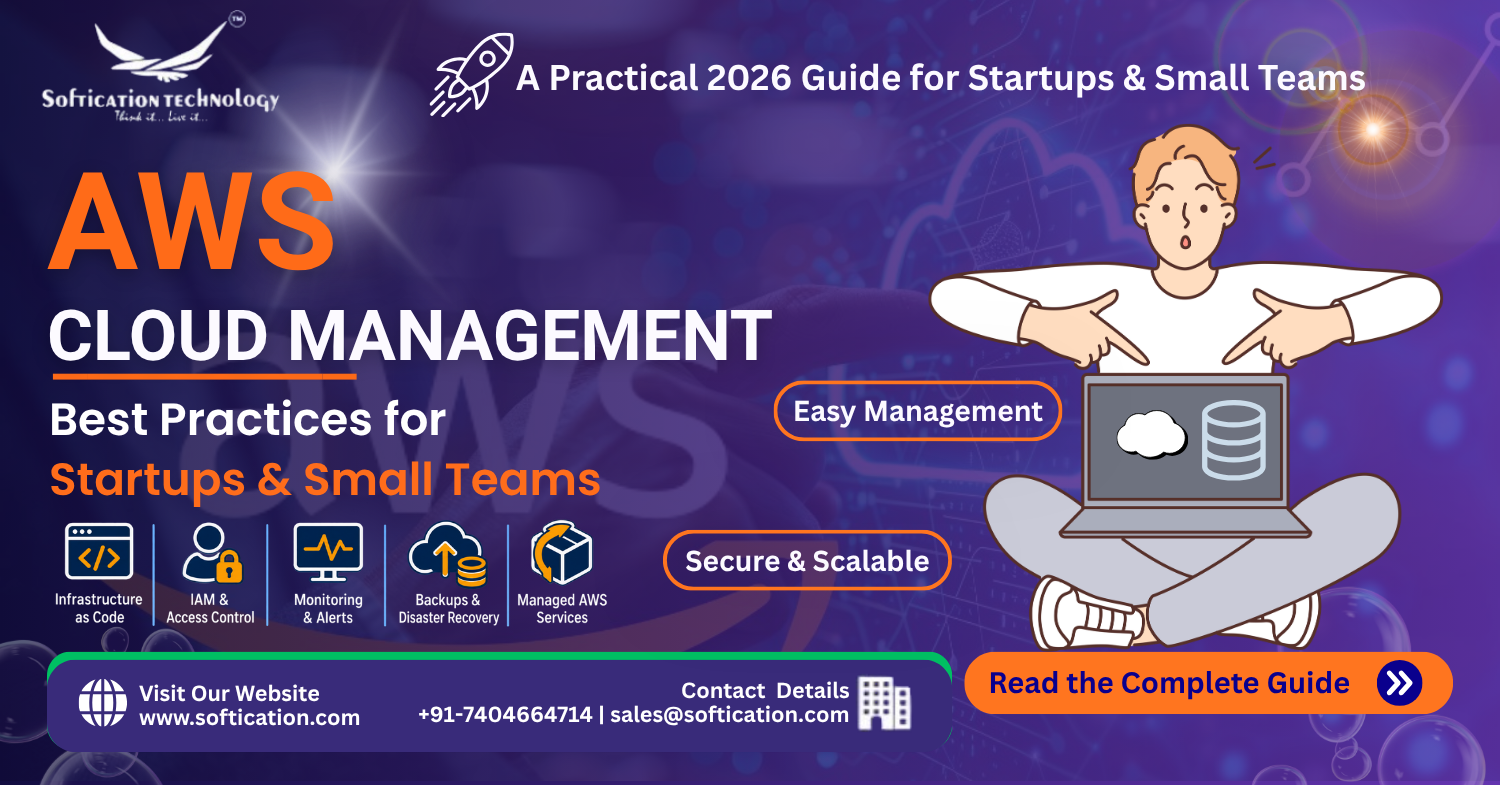
The biggest misconception holding startups back from AWS isn't cost — it's the assumption that managing it properly requires a dedicated DevOps team from day one. In practice, small teams manage genuinely solid AWS infrastructure regularly, provided they follow a handful of foundational practices from the start rather than retrofitting them under pressure later. Here's what that actually looks like.
This guide ties together several threads from our AWS series — our complete AWS guide for startups and SMBs, the advantages covered in AWS benefits for startups, the spend discipline covered in AWS cost optimization, and how to make the most of AWS Activate credits during the credit period. This post focuses specifically on the operational practices that keep AWS infrastructure manageable as a small team.
Why Management Practices Matter More Than Team Size
A common assumption is that AWS complexity scales primarily with infrastructure size — more services, more complexity, more people needed to manage it. In practice, complexity scales just as much with how undocumented and ad hoc the setup is. A small, well-structured AWS environment with clear conventions is often easier for a two-person team to manage than a larger environment that's grown organically through manual console changes with no consistent pattern.
This reframes the goal: the objective isn't avoiding complexity entirely, it's building infrastructure that stays understandable and maintainable as it grows, rather than becoming something only the original person who set it up can safely touch.
1. Use Infrastructure as Code From the Start
Manually configuring resources through the AWS Console feels faster in the moment, but it creates infrastructure that's difficult to reproduce, review, or hand off. Infrastructure as Code (IaC) tools — Terraform and AWS CloudFormation are the most common — let you define infrastructure in version-controlled configuration files instead.
Why this matters for small teams specifically:
- Changes go through the same review process as application code, catching mistakes before they affect live infrastructure
- A new team member or contractor can understand the infrastructure by reading configuration files, rather than needing someone to walk them through the console
- Infrastructure can be reliably reproduced for a new environment (staging, disaster recovery) rather than manually recreated and inevitably drifting from the original
Retrofitting IaC onto infrastructure that's already been manually configured is significantly more work than starting with it — this is one of the clearest cases where the "right" practice is meaningfully easier to adopt early than later.
2. Set Up Proper Access Control (IAM) From Day One
AWS Identity and Access Management (IAM) governs who can access what within your AWS account, and getting this right early prevents both security risk and operational confusion as the team grows.
Foundational IAM practices:
- Never use the AWS root account for day-to-day work — create individual IAM users or roles for each team member instead, reserving the root account strictly for account-level tasks that require it
- Apply least-privilege access — team members and services should have only the permissions they actually need, not broad administrative access by default
- Use IAM roles for services, not hardcoded credentials — applications running on AWS should assume roles with scoped permissions rather than embedding long-lived access keys directly in code
- Enable multi-factor authentication on all accounts with meaningful access, especially anything with administrative permissions
A small team might reasonably start with a simpler access structure than a large enterprise, but "simple" should still mean deliberately scoped access, not shared credentials or blanket admin permissions because it's faster to set up initially.
3. Establish Separate Environments
Even at small scale, separating development, staging, and production environments — whether as fully separate AWS accounts or clearly isolated resources within one account — prevents the common and costly mistake of testing changes directly against live infrastructure serving real users.
A practical approach for small teams:
- Development environment for active engineering work, where experimentation is expected and low-risk
- Staging environment that mirrors production closely enough to catch issues before they reach real users
- Production environment with stricter access controls and change processes, since mistakes here directly affect customers
AWS Organizations makes it straightforward to manage multiple accounts under a consolidated billing and governance structure, which is worth setting up even for a small team, since untangling a single shared account into properly separated environments later is considerably more disruptive.
4. Implement Monitoring and Alerting Before You Need It
Monitoring often gets treated as a "nice to have" until an incident makes clear it should have been in place from the start. Basic monitoring doesn't require sophisticated tooling to be genuinely useful:
- CloudWatch alarms for critical metrics — CPU utilization, error rates, latency thresholds — catch developing problems before they become outages
- Billing alerts, covered in more detail in our cost optimization guide, catch cost anomalies within days rather than at the end of a billing cycle
- Centralized logging (CloudWatch Logs or a third-party log aggregation service) makes debugging production issues significantly faster than manually checking individual instances
- Uptime monitoring for customer-facing services, so your team learns about an outage from monitoring rather than from customer complaints
For a small team without dedicated ops capacity, setting up a handful of well-chosen alerts covering the metrics that actually matter is far more valuable than attempting comprehensive monitoring coverage from the outset.
5. Document Architecture Decisions as You Make Them
Institutional knowledge that lives only in one person's head is a real operational risk for small teams specifically, since there's often no redundancy if that person is unavailable or leaves. Lightweight documentation — even a simple internal wiki page per major architectural decision — pays for itself the first time someone other than the original author needs to understand or modify the infrastructure.
This doesn't need to be extensive. A short record of what was built, why a particular approach was chosen over alternatives, and any non-obvious constraints is usually sufficient to prevent the most common form of knowledge loss.
6. Automate Backups and Test Restoration
Automated backups for databases and critical data stores are table stakes, but the step teams commonly skip is actually testing that restoration works. A backup that's never been restored isn't a verified safety net — it's an assumption.
- Enable automated snapshots for RDS databases and critical EBS volumes
- Periodically test restoring from a backup to confirm the process actually works and produces usable data
- Define and document a basic disaster recovery process, even if simple, so the team isn't figuring out recovery steps for the first time during an actual incident
7. Use Managed Services Where They Genuinely Reduce Burden
For small teams, self-managing infrastructure that AWS offers as a managed service is often a poor use of limited engineering time. Using RDS instead of self-managing a database server, or Lambda for infrequent scheduled tasks instead of maintaining an always-on server, shifts real operational burden onto AWS.
This isn't a universal rule — some workloads genuinely benefit from more control than managed services offer — but the default assumption for a small team should generally favor managed services unless there's a specific, well-considered reason to self-manage instead.
When to Bring in Outside Help
Small teams can manage a lot on their own, but there are reasonable points to bring in outside expertise — initial architecture setup, a security review before handling sensitive data at scale, or a cost optimization audit once spend has grown significantly. Working with an experienced partner for these specific, bounded engagements — with the explicit goal of leaving behind infrastructure the internal team can maintain going forward — is often more practical than either avoiding outside help entirely or hiring a full-time specialist before the team's scale genuinely requires one.
The Bottom Line
Managing AWS well as a small team isn't about matching enterprise-scale operational sophistication — it's about establishing a handful of foundational practices (Infrastructure as Code, proper access control, separated environments, and basic monitoring) early enough that they're easy to maintain rather than painful to retrofit. Combined with the cost discipline and credit strategy covered elsewhere in our AWS series, these practices give small teams a genuinely solid foundation without requiring a dedicated DevOps hire before the business actually needs one. For the full picture of what running on AWS involves from cost to credits to management, see our complete AWS guide for startups and SMBs.
FAQ: AWS Cloud Management for Small Teams
Do small teams need a dedicated DevOps engineer to manage AWS? Not necessarily. Small teams can manage reasonably sophisticated AWS infrastructure using Infrastructure as Code, proper access control, basic monitoring, and managed services in place of self-managed infrastructure, often bringing in outside expertise only for specific, bounded engagements.
What is Infrastructure as Code and why does it matter for startups? Infrastructure as Code means defining cloud infrastructure in version-controlled configuration files (using tools like Terraform or CloudFormation) rather than manually configuring resources through the AWS Console. It makes infrastructure reproducible, reviewable, and easier to hand off to new team members.
How should a small team set up AWS access control? Avoid using the root account for daily work, create individual IAM users or roles with least-privilege access for each team member, use IAM roles rather than hardcoded credentials for applications, and enable multi-factor authentication on all accounts with meaningful access.
Do I need separate AWS environments for a small startup? Yes, even at small scale. Separating development, staging, and production — whether as separate AWS accounts or clearly isolated resources — prevents testing changes directly against infrastructure serving real users, which is a common and costly mistake for teams without this separation.
What monitoring should a small team set up on AWS? At minimum: CloudWatch alarms for critical metrics like CPU utilization and error rates, billing alerts to catch cost anomalies early, centralized logging for faster debugging, and uptime monitoring for customer-facing services.