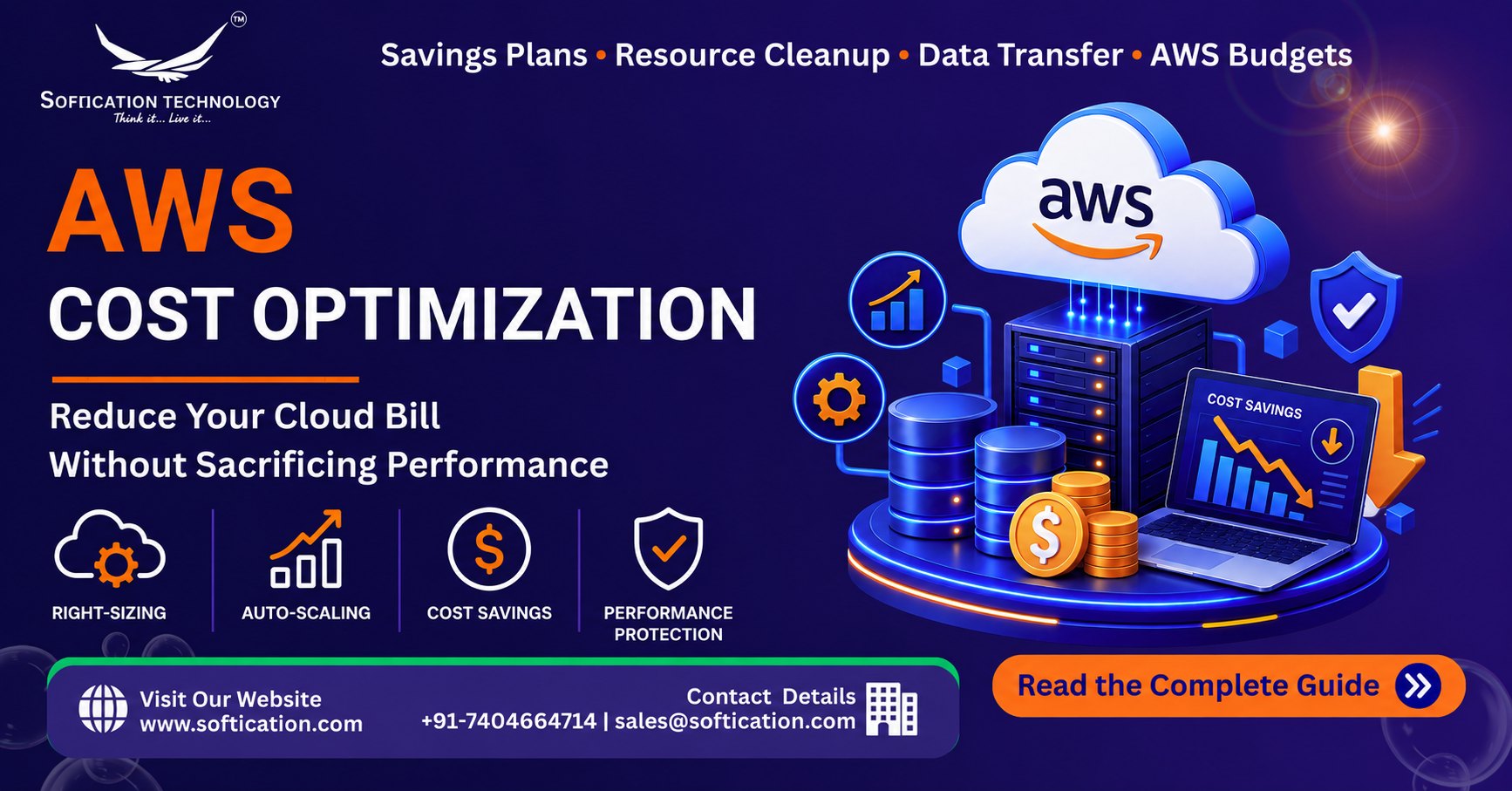
An unexpectedly large AWS bill is one of the most common ways startups get spooked away from cloud infrastructure — but in the large majority of cases, the surprise isn't a sign that AWS is inherently expensive. It's a sign that a handful of well-known cost drivers went unmanaged. This guide covers exactly where AWS spend typically goes to waste, and how to cut it meaningfully without touching the performance your application actually needs.
This builds on our complete AWS guide for startups and SMBs, which covers pricing fundamentals more broadly. This guide goes deeper specifically on cost optimization tactics.
Why AWS Bills Grow Faster Than Expected
Before getting into specific tactics, it's worth understanding the general pattern. AWS costs rarely spike because of one dramatic mistake — they creep up gradually as small inefficiencies accumulate: a slightly oversized instance here, an unused storage volume there, a test environment nobody remembered to shut down. None of these individually is alarming. Together, over months, they add up to a meaningfully inflated bill that's hard to trace back to any single cause without a deliberate review.
This is why cost optimization works best as an ongoing practice rather than a one-time fix — the same patterns that caused the current bill to be higher than expected will keep recurring unless there's a regular process catching them.
1. Right-Size Your Compute Instances
The problem: It's common, especially early on, to provision instances larger than actually needed "to be safe," or to keep an instance at its original size long after actual usage patterns have become clear. Over-provisioned compute is consistently one of the largest sources of avoidable AWS spend.
The fix: Use AWS Compute Optimizer or CloudWatch metrics to review actual CPU, memory, and network utilization against provisioned instance size. If an instance consistently runs at 15-20% utilization, it's very likely oversized. Right-sizing down to match actual usage, with reasonable headroom for spikes, is often the single highest-impact cost optimization available — and it has zero effect on legitimate performance needs, since you're removing capacity that was never actually being used.
2. Use Auto-Scaling Instead of Static Peak Provisioning
The problem: Provisioning enough compute capacity to handle peak traffic, and leaving that capacity running around the clock, means paying full price for capacity that's only actually needed during a fraction of the day or week.
The fix: Auto-scaling groups let infrastructure expand automatically during real demand spikes and contract back down during quieter periods. This directly addresses performance concerns during peak load (the system still scales up when needed) while eliminating the cost of maintaining that capacity permanently. This is one of the clearest examples of a cost optimization that improves rather than compromises the underlying reliability of the system.
3. Commit to Reserved Instances or Savings Plans for Predictable Workloads
The problem: On-demand pricing is flexible but carries a real premium compared to committed-use pricing, and many startups run steady, predictable workloads on on-demand pricing well after usage patterns have become clear enough to commit to a discount.
The fix: For workloads with predictable, steady-state usage (a production database that runs continuously, for example), Reserved Instances or Savings Plans offer significant discounts — often 30-60% compared to on-demand pricing — in exchange for a one- or three-year usage commitment. This works best for stable, well-understood workloads rather than usage patterns still likely to change significantly.
4. Clean Up Unused and Orphaned Resources
The problem: Unattached EBS storage volumes, idle load balancers, unused Elastic IP addresses, and forgotten test or staging environments are a surprisingly common and easily overlooked source of ongoing cost — resources that were created for a specific purpose and never properly decommissioned once that purpose ended.
The fix: A regular audit (monthly or quarterly) using AWS Cost Explorer or third-party cost management tools to identify resources with no active traffic or attachment catches this category of waste reliably. This is pure waste elimination with zero performance trade-off, since these resources aren't actually serving any active function.
5. Review Data Transfer Costs Specifically
The problem: Data transfer costs are one of the least intuitive parts of AWS pricing, and they can spike unexpectedly following architecture changes — for example, moving services across regions, or routing traffic through additional hops that weren't part of the original cost calculation.
The fix: Data transferred within the same AWS region is often free or heavily discounted, while data transferred out to the internet, or between regions, is billed and can add up quickly at scale. Reviewing architecture specifically for unnecessary cross-region or cross-AZ data transfer, and using a CDN (CloudFront) to reduce repeated data transfer for frequently accessed content, are both effective ways to control this cost category without affecting application performance.
6. Use Serverless and Managed Services for Infrequent Workloads
The problem: Running an always-on server for a task that only executes occasionally — a scheduled batch job, an infrequent background process — means paying for idle capacity most of the time.
The fix: AWS Lambda and other serverless options charge based on actual execution time rather than continuous uptime, making them significantly more cost-effective for infrequent or bursty workloads. This isn't a universal replacement for all compute needs, but for the right use cases, it eliminates paying for idle time entirely.
7. Set Up Billing Alerts and Regular Cost Reviews
The problem: Without active monitoring, cost increases are often only discovered at the end of a billing cycle — by which point the spend has already happened and the underlying cause may be harder to trace.
The fix: AWS Budgets lets you set spending thresholds with automatic alerts, catching unexpected increases within days rather than weeks. Pairing this with a regular (monthly or quarterly) cost review — using AWS Cost Explorer to identify trends and anomalies — turns cost management from a reactive scramble into a proactive, manageable process.
What NOT to Cut: Protecting Performance While Optimizing Cost
Cost optimization done carelessly can genuinely hurt performance and reliability — the goal is eliminating waste, not eliminating necessary capacity. A few guardrails:
- Don't right-size below reasonable headroom for traffic spikes — right-sizing should target realistic peak usage plus a buffer, not just average usage
- Don't remove redundancy to save cost — multi-AZ deployments and backup systems carry real cost, but they exist for genuine reliability reasons and shouldn't be the first target for cost cuts
- Don't commit to Reserved Instances for workloads that are still likely to change — a usage commitment on an architecture you're about to redesign can end up costing more than the on-demand pricing it was meant to save
- Monitor performance metrics alongside cost metrics after any optimization change, to confirm the change didn't introduce a performance regression alongside the cost savings
A Practical Monthly Cost Review Checklist
- Review Compute Optimizer recommendations for over-provisioned instances
- Check for unattached storage volumes, idle load balancers, and unused Elastic IPs
- Confirm auto-scaling thresholds still match current traffic patterns
- Review data transfer costs for any unexpected spikes tied to recent architecture changes
- Evaluate whether any consistently-running workloads are now stable enough to move to Reserved Instances or Savings Plans
- Confirm billing alerts are still set at meaningful thresholds as overall spend has grown
The Bottom Line
AWS cost optimization isn't about running infrastructure as cheaply as possible regardless of consequences — it's about eliminating the waste that accumulates when spending isn't actively managed, while protecting the capacity that actually serves real performance and reliability needs. The tactics here — right-sizing, auto-scaling, commitment discounts for predictable workloads, and regular resource cleanup — consistently reduce AWS bills by a meaningful margin without touching the performance users actually experience. For the broader picture of AWS costs and how they fit into overall cloud strategy for startups, see our complete AWS guide for startups and SMBs.
FAQ: AWS Cost Optimization
How can I reduce my AWS bill without affecting performance? Right-sizing over-provisioned instances, using auto-scaling instead of static peak provisioning, cleaning up unused resources like unattached storage volumes, and using Reserved Instances for predictable workloads are all effective ways to cut cost without touching actual application performance.
What is the biggest source of wasted AWS spend for startups? Over-provisioned compute instances — sized larger than actual usage requires — are consistently one of the largest sources of avoidable AWS spend, often discovered through a straightforward review of CPU and memory utilization against provisioned capacity.
Are Reserved Instances worth it for a startup? They can offer significant savings (often 30-60%) for predictable, steady-state workloads, but they require a usage commitment, so they're best used for infrastructure that's stable rather than likely to change significantly in the near term.
Why are my AWS data transfer costs higher than expected? Data transfer out to the internet or between AWS regions is billed and can add up quickly, especially following architecture changes. Reviewing for unnecessary cross-region data transfer and using a CDN for frequently accessed content are effective ways to reduce this specific cost category.
How often should I review AWS costs? A monthly or quarterly cost review is generally sufficient for most startups, checking for over-provisioned resources, unused infrastructure, and whether billing alert thresholds still reflect current spending levels as the business grows.