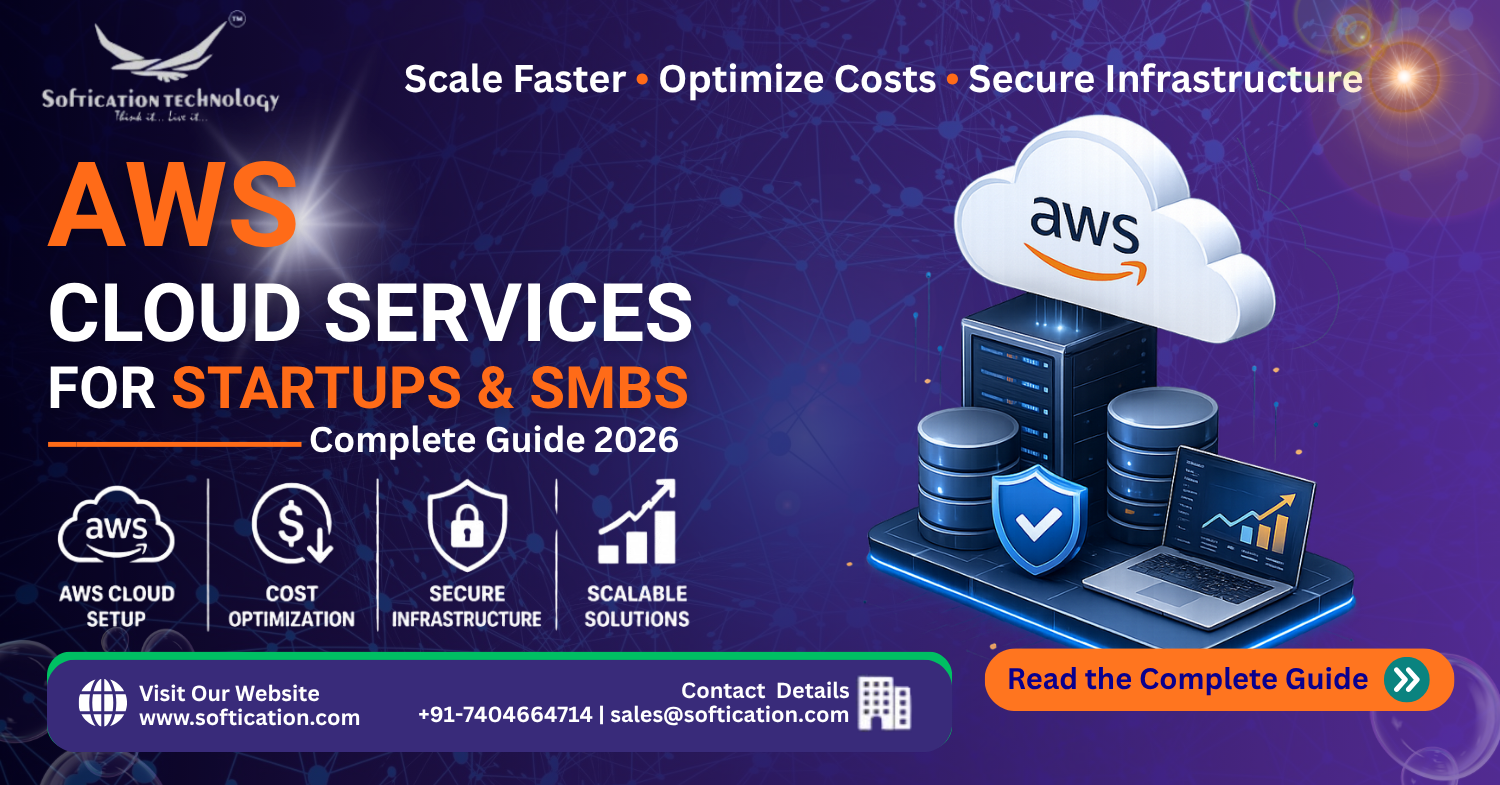
Moving to AWS is one of the most consequential infrastructure decisions a startup or small business makes — and also one of the most misunderstood. Founders often assume "cloud" automatically means expensive, or conversely, assume it's automatically cheaper than traditional hosting without understanding what actually drives cost. Neither assumption holds up well in practice. This guide covers what AWS actually offers, what it costs, how to manage it without a dedicated DevOps team, and how startups can access thousands of dollars in free credits to get started.
Whether you're launching your first product on AWS or migrating from a smaller hosting provider as you scale, this guide is meant to give you a grounded, practical understanding before you start provisioning resources or talking to a cloud consultant.
Why Startups and SMBs Choose AWS
Amazon Web Services is the largest cloud provider by market share, offering over 200 services spanning compute, storage, databases, networking, machine learning, and more. For startups specifically, a few advantages stand out beyond raw feature count:
Pay-as-you-go pricing removes large upfront infrastructure costs. Instead of buying servers and provisioning capacity for peak load you might rarely hit, AWS lets you pay for what you actually use and scale up or down as demand changes.
Elastic scalability handles unpredictable growth. A startup that suddenly gets a traffic spike from a product launch or press mention can scale infrastructure automatically, rather than scrambling to provision physical hardware or migrate to bigger servers under pressure.
A mature ecosystem reduces the need to build everything yourself. Managed databases, authentication services, content delivery, and monitoring tools are all available as configurable services rather than infrastructure you have to build and maintain from scratch.
Global infrastructure supports international growth from day one. With data centers across multiple regions worldwide, a startup can serve customers with low latency in multiple geographies without building out separate physical infrastructure in each location.
Startup-specific credit programs lower the barrier to entry. AWS offers substantial free credits specifically for early-stage startups, which can meaningfully extend runway during the highest-risk, pre-revenue phase of a business.
None of this means AWS is automatically the right choice for every business — but for startups anticipating growth, needing to iterate quickly, or wanting to avoid large upfront infrastructure investment, it's a reasonable default starting point.
Understanding AWS Costs: What You're Actually Paying For
AWS pricing confusion is one of the most common reasons startups either overspend or avoid the cloud entirely out of fear of unpredictable bills. The core pricing model is straightforward in principle, even if the sheer number of services makes it feel complicated.
The main cost categories:
- Compute (EC2, Lambda) — charged based on instance type/size and hours running, or for serverless functions, based on execution time and requests
- Storage (S3, EBS) — charged per GB stored per month, plus data transfer costs in some cases
- Database (RDS, DynamoDB) — charged based on instance size for managed relational databases, or read/write capacity for NoSQL options
- Data transfer — often the most underestimated cost category; data transferred out of AWS to the internet is billed, while data transfer within the same region is frequently free or heavily discounted
- Additional services — content delivery (CloudFront), monitoring (CloudWatch), and managed services each carry their own pricing structure
A realistic monthly cost range for early-stage startups:
| Stage | Typical Monthly AWS Spend | What's Usually Running |
|---|---|---|
| Pre-launch / MVP | $0 – $200 | Small EC2 instances, minimal storage, mostly covered by free tier |
| Early traction | $200 – $1,500 | Modest production workload, managed database, basic monitoring |
| Growing startup | $1,500 – $8,000 | Auto-scaling compute, larger database, CDN, multiple environments |
| Scaling business | $8,000 – $30,000+ | Multi-region infrastructure, larger data volumes, dedicated support plans |
These ranges vary significantly based on architecture decisions, traffic patterns, and how proactively costs are managed — which is exactly why cost optimization deserves ongoing attention rather than a one-time setup decision.
AWS Free Tier and Startup Credits
AWS offers two distinct ways for startups to reduce early costs, and it's worth understanding the difference:
AWS Free Tier is available to any new AWS account and includes a limited amount of free usage across many services for the first 12 months, plus some services that remain free indefinitely at low usage levels. This is useful for testing and very early development but isn't sufficient for a production workload with real users.
AWS Activate is a startup-specific program offering substantially larger credits — commonly ranging from a few thousand dollars up to $100,000 depending on eligibility and the specific track a startup qualifies for (through accelerators, venture capital firms, or direct application). These credits can meaningfully extend a startup's runway during the period before revenue covers infrastructure costs, and are worth applying for as early as possible, since credits typically can't be applied retroactively to past usage.
Given how much startups can access here, and how often eligible founders simply don't apply, this is one of the highest-leverage, lowest-effort steps available before spending real money on infrastructure.
AWS Cloud Management: What It Actually Takes
A common early-stage misconception is that AWS requires a dedicated DevOps hire from day one. In practice, small teams regularly manage reasonably sophisticated AWS infrastructure without one, provided a few fundamentals are in place:
Infrastructure as Code (IaC) Tools like Terraform or AWS CloudFormation let you define infrastructure in version-controlled configuration files rather than manually clicking through the AWS console. This makes infrastructure reproducible, reviewable, and far easier to hand off to a new team member or contractor later.
Monitoring and alerting Basic CloudWatch alarms for critical metrics (CPU usage, error rates, unusual billing spikes) catch problems before they become outages or unexpectedly large bills, without requiring constant manual monitoring.
Access control and account structure Using AWS Identity and Access Management (IAM) properly — separate accounts or roles for different team members, least-privilege access rather than shared root credentials — is a foundational security practice that's far easier to set up correctly from the start than to retrofit later.
A defined environment structure Separating development, staging, and production environments, even informally at small scale, prevents accidental changes to live infrastructure and gives a safe space to test changes before they affect real users.
Managed services over self-managed infrastructure where reasonable Using RDS instead of self-managing a database server, or Lambda instead of maintaining always-on servers for infrequent tasks, shifts operational burden onto AWS and reduces what a small team needs to actively maintain.
For startups without in-house cloud expertise, working with an experienced development partner for initial setup — with a goal of establishing clean, well-documented infrastructure a small internal team can maintain going forward — is often more cost-effective than either hiring a full-time DevOps engineer too early or muddling through configuration without guidance.
AWS Cost Optimization: The Basics
Cost overruns on AWS are common, but they're also highly preventable with a handful of consistent practices:
- Right-sizing instances — many startups over-provision compute resources "just in case," paying for capacity they never actually use; regularly reviewing actual utilization against provisioned capacity catches this
- Using auto-scaling rather than statically provisioning for peak load, so you pay for elevated capacity only during actual demand spikes
- Setting billing alerts so unexpected cost increases are caught within days, not discovered at the end of a billing cycle
- Reserved Instances or Savings Plans for predictable, steady-state workloads, which offer significant discounts over on-demand pricing in exchange for a usage commitment
- Cleaning up unused resources — unattached storage volumes, idle load balancers, and forgotten test environments are a surprisingly common source of avoidable spend
- Reviewing data transfer costs specifically, since these are often the least intuitive cost category and can spike unexpectedly with architecture changes
Cost optimization isn't a one-time setup task — it's worth revisiting on a regular cadence (monthly or quarterly) as usage patterns and architecture evolve.
Getting Started: A Practical Path for Startups and SMBs
- Create an AWS account and apply for AWS Activate credits early, even before you've fully defined your infrastructure needs
- Start with a simple, well-documented architecture rather than over-engineering for scale you don't have yet — most early-stage startups benefit more from shipping quickly than from premature infrastructure sophistication
- Set up basic monitoring and billing alerts from day one, not after the first unexpected bill
- Use Infrastructure as Code from the start if possible, since retrofitting it onto manually configured infrastructure later is significantly more work
- Establish proper IAM access control early, before team size and account complexity make it harder to untangle
- Revisit cost optimization regularly as the business grows, rather than treating initial setup as a one-time decision
The Bottom Line
AWS gives startups and SMBs genuine flexibility and scalability, but realizing that value depends on understanding what actually drives cost, setting up sound management practices early, and taking advantage of startup-specific credit programs before spending unnecessarily out of pocket. The businesses that get the most value from AWS aren't the ones with the most sophisticated infrastructure — they're the ones that matched their architecture and spending to their actual current needs, with clean foundations that make scaling later straightforward rather than a painful retrofit.
FAQ: AWS for Startups and SMBs
How much does AWS cost for a startup? Early-stage startups with an MVP or low-traffic product typically spend $0–$200 per month, often covered largely by the free tier. Costs generally scale to $200–$1,500 monthly with early traction, and can reach $1,500–$8,000+ as a startup grows, depending on architecture and traffic.
How do I get free AWS credits for my startup? AWS Activate is the primary program, offering credits ranging from a few thousand dollars up to $100,000 depending on eligibility, typically accessed through accelerators, venture capital partners, or direct application. It's worth applying as early as possible, since credits generally can't be applied retroactively.
Do I need a DevOps engineer to manage AWS as a small team? Not necessarily. Small teams can manage reasonably sophisticated AWS infrastructure using Infrastructure as Code, basic monitoring, and managed services in place of self-managed infrastructure. Many startups initially work with an experienced partner for setup, then maintain the infrastructure in-house afterward.
What's the difference between AWS Free Tier and AWS Activate credits? AWS Free Tier offers limited free usage available to any new account, mainly useful for testing and early development. AWS Activate is a startup-specific program offering substantially larger credits intended to support real production usage during a startup's early growth phase.
How can I reduce my AWS bill without hurting performance? Right-sizing over-provisioned instances, enabling auto-scaling instead of static peak provisioning, using Reserved Instances or Savings Plans for predictable workloads, and regularly cleaning up unused resources are the most effective and lowest-risk ways to reduce AWS spend.