Every business that outgrows spreadsheets eventually faces the same question: do we buy a ready-made workforce management platform, or build software around how we actually operate? Both paths can work. Both can also go badly wrong.
Buy the wrong tool and you may spend years working around its limits. Build when you didn't need to and you may burn budget on something a proven product already does well. This guide lays out the real costs and risks on each side so you can decide based on your situation, not on sales pitches in either direction.
The Problem: The Build vs. Buy Decision Is Usually Made on Incomplete Information
Most teams start this decision by comparing feature lists and monthly prices. That's understandable, but it hides the factors that actually determine whether a workforce management system succeeds:
- Subscription pricing looks cheap at the start but grows with headcount, locations, and add-on modules, and the total over several years is rarely modeled
- Feature lists don't show fit. A tool may "support scheduling" but not your shift patterns, union rules, multi-location structure, or approval chains
- Integration needs are underestimated. Connecting a platform to your payroll, HRMS, ERP, or time clocks can require significant custom work either way
- Compliance requirements vary by location, industry, and contract type, and generic tools may not cover your specific rules
- Customization limits are discovered after purchase, once you're already committed and your team is trained
- Custom builds are scoped optimistically, with ongoing maintenance, security, and support left out of the budget
- Vendor roadmaps and pricing are outside your control, while custom code puts you in charge but also in charge of everything
- Internal opinions split, with finance favoring the lowest price, operations wanting fit, and IT worrying about maintenance
When the decision is rushed, businesses often end up with a system that either doesn't fit or costs far more than expected.
The Business Consequence: The Wrong Choice Is Expensive to Undo
Workforce management software touches scheduling, time tracking, payroll, and compliance. Once it's embedded in daily operations, switching is disruptive, so a poor decision tends to stay with you.
Paying for software that doesn't fit. If an off-the-shelf tool can't handle your rules, teams build manual workarounds in spreadsheets, defeating the purpose of buying it.
Escalating subscription costs. Per-employee or per-module pricing can climb steadily as you grow, and price increases at renewal are common.
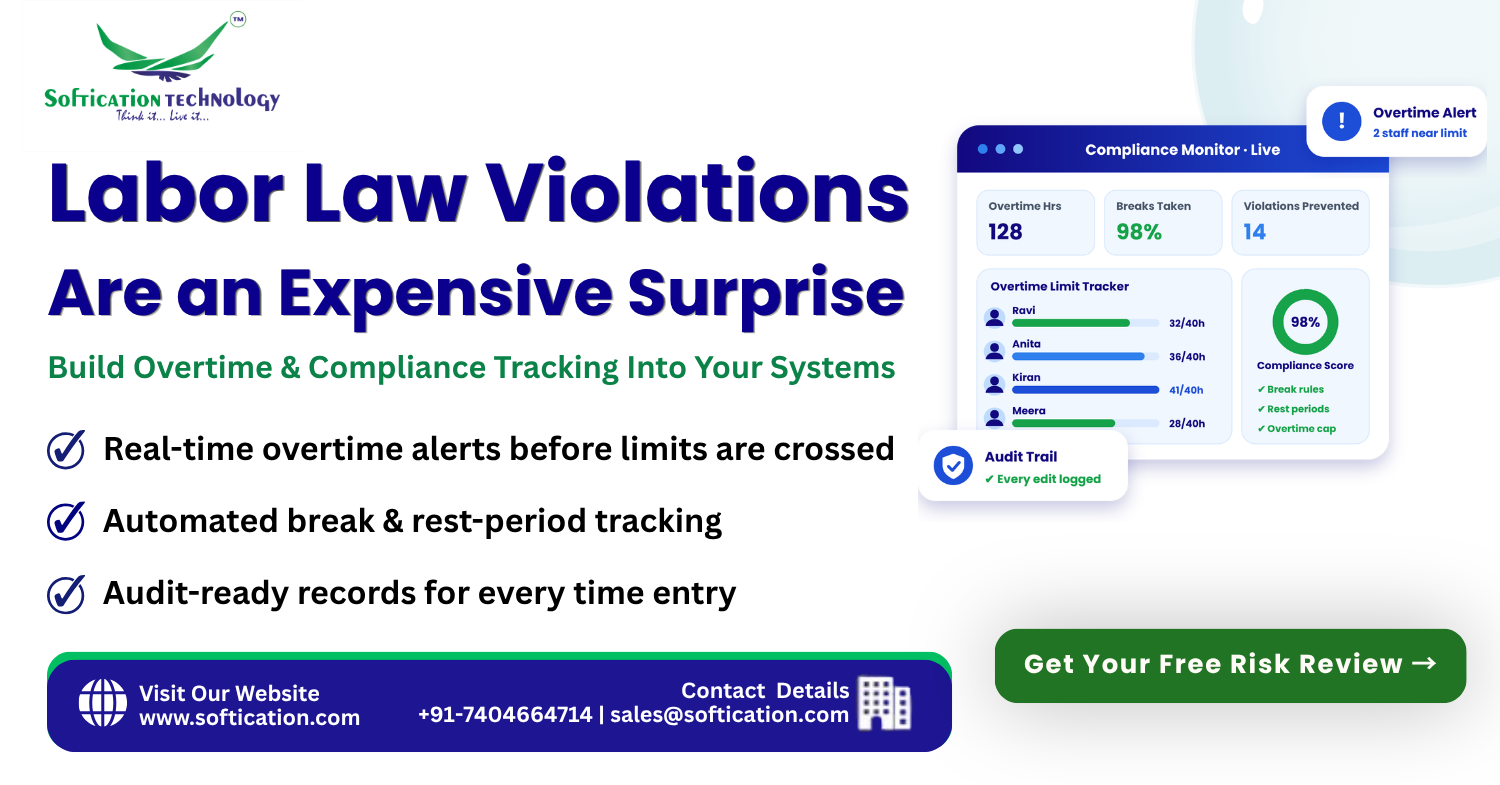
Compliance gaps. A tool that doesn't model your overtime, break, or scheduling rules correctly can expose you to violations while appearing to handle them.
Overbuilding. Custom development for needs that a standard product meets is an avoidable cost, and it adds a maintenance burden you didn't need.
Underestimated total cost of ownership. Custom software requires hosting, security patches, updates, support, and ongoing improvements. Off-the-shelf software requires configuration, integration work, training, and sometimes paid customization.
Vendor lock-in. Exporting data and moving to another system can be hard, especially if workflows and integrations are tied closely to one vendor's product.
Delayed rollout. Both paths can run long when requirements aren't clear upfront, postponing the benefits you were trying to get.
The goal isn't to pick the "right" answer in the abstract. It's to pick the right answer for your complexity, growth, and risk tolerance.
Not sure which route fits your business? [Get a Free Build vs. Buy Assessment →]
The Solution: A Clear Framework for Comparing Cost and Risk
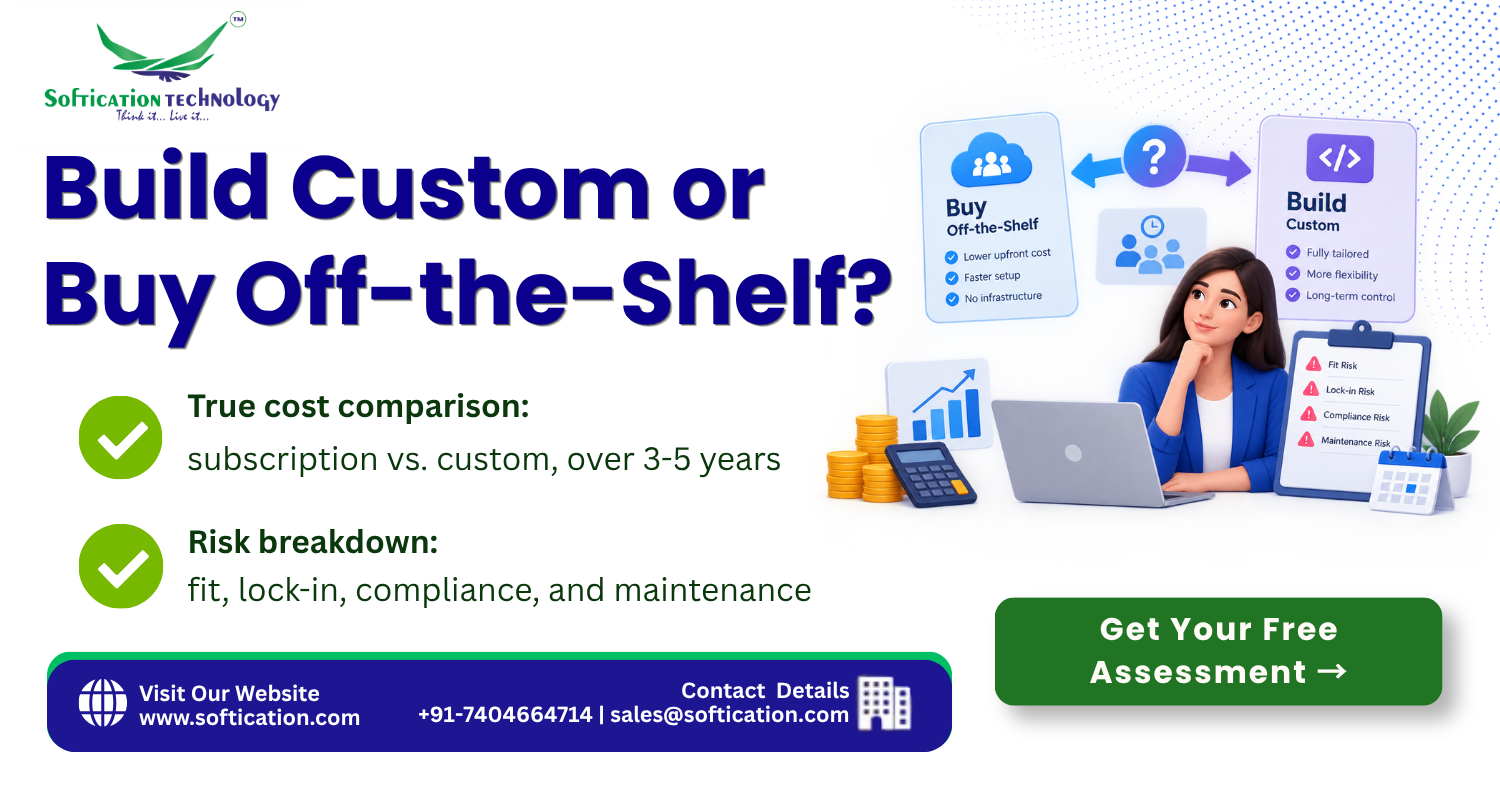
Rather than asking "build or buy?", ask what each option costs, what it risks, and what it requires over a three-to-five-year horizon. Here's how the two compare across the factors that matter most.
| Factor | Buy Off-the-Shelf | Build Custom |
|---|---|---|
| Upfront cost | Low; setup and configuration | Higher; design and development |
| Ongoing cost | Recurring subscription that grows with headcount and modules | Hosting, maintenance, and support; no per-user licence fees |
| Time to launch | Fast for standard setups | Longer; depends on scope |
| Fit with your processes | Good for common needs; limited for unusual ones | Built around your exact rules and workflows |
| Compliance flexibility | Depends on vendor's coverage | Rules tailored to your jurisdictions and contracts |
| Integration | Standard connectors; custom work for the rest | Designed around your existing systems |
| Control over roadmap | Vendor decides | You decide |
| Scalability | Vendor-managed, but pricing scales too | Depends on architecture and investment |
| Key risk | Poor fit, lock-in, rising costs | Scope creep, delays, maintenance burden |
When buying usually makes sense
- Your scheduling, time tracking, and payroll needs are fairly standard
- You operate in one or a few locations with similar rules
- Speed to launch matters more than deep customization
- You have limited internal technical capacity for maintaining software
- A mainstream product already covers 80–90% of what you need
When building usually makes sense
- Your shift patterns, pay rules, or approval chains are unusual
- You operate across multiple jurisdictions with different compliance requirements
- Workforce management is central to how you compete or deliver service
- You need tight integration with proprietary or legacy systems
- Subscription costs at your scale would exceed the cost of owning the software
- You've already outgrown a standard tool and are maintaining heavy workarounds
The hybrid approach
For many growing businesses, the best answer is neither extreme. A hybrid approach keeps a proven product for the commodity parts of workforce management and adds custom modules, rules engines, dashboards, and integrations where the product falls short. This limits risk and upfront cost while still delivering the fit you need.
SoftiCation's Capability: We Help You Decide, Then Build Only What's Needed
At SoftiCation, we don't push custom development when a product will do, and we don't recommend buying when it will leave you stuck. Our approach is to make the decision with you based on real requirements. Our capability includes:
- Requirements and fit analysis, mapping your scheduling, time tracking, payroll, compliance, and integration needs against what standard tools actually support
- Total cost of ownership modeling, comparing multi-year subscription costs with the cost of building and maintaining custom software
- Vendor and platform evaluation support, helping you assess off-the-shelf options objectively
- Custom workforce management development, including scheduling engines, time and attendance systems, compliance rule engines, and employee portals
- Hybrid implementations, extending a standard platform with custom modules, workflows, and integrations
- Integration with payroll, HRMS, ERP, and time clocks, whichever path you choose
- Migration and data transfer, moving from spreadsheets or legacy systems without losing history
- Ongoing support and maintenance, so custom software stays secure, compliant, and up to date
We aim to give you a clear recommendation and a realistic plan, whichever direction fits best.
Want an objective view of build vs. buy for your business? [Talk to a Workforce Software Specialist →]
Proof: What This Looks Like in Practice
Consider a multi-location service company that had adopted a popular off-the-shelf workforce platform. It handled basic scheduling and time tracking well, but the business's shift rules varied by location and role, and the tool couldn't enforce them. Managers kept parallel spreadsheets to track exceptions, overtime was monitored manually, and per-user subscription costs rose each year as headcount grew.
Rather than replacing everything, a requirements review showed that most of the platform's functions worked fine. The gaps were specific: location-based scheduling rules, real-time overtime alerts, and integration with the company's payroll system. A hybrid approach was taken. The existing platform stayed in place for core time capture and employee records, while custom modules were built for rules-based scheduling, compliance alerts, and an analytics dashboard, all integrated with payroll.
After rollout, the parallel spreadsheets were retired, overtime was flagged before it occurred, and payroll received consistent data automatically. The business avoided the cost and disruption of a full rebuild while closing the gaps that had been causing the most manual work and risk.
This reflects the central lesson of the build vs. buy decision: the best answer is often to identify exactly where standard tools fall short and invest custom effort only there.
Ready to find the right balance for your business? [Get Your Free Workforce Software Consultation →]
Make the Decision With Clear Numbers and Clear Requirements
Build vs. buy isn't a question of which option is better in general. It's a question of which option costs less and risks less for your specific workforce, rules, and growth plans. Modeling total cost, mapping requirements honestly, and considering a hybrid path will almost always lead to a better decision than comparing feature lists alone.
Get a Free Build vs. Buy Consultation and see a side-by-side comparison of cost, risk, and fit for your own workforce management needs.
[Get Your Free Build vs. Buy Consultation →]
Or talk to us directly. We'll give you a straight answer on what makes sense for your business. 📞 Call/WhatsApp us today to discuss your workforce management software decision.