
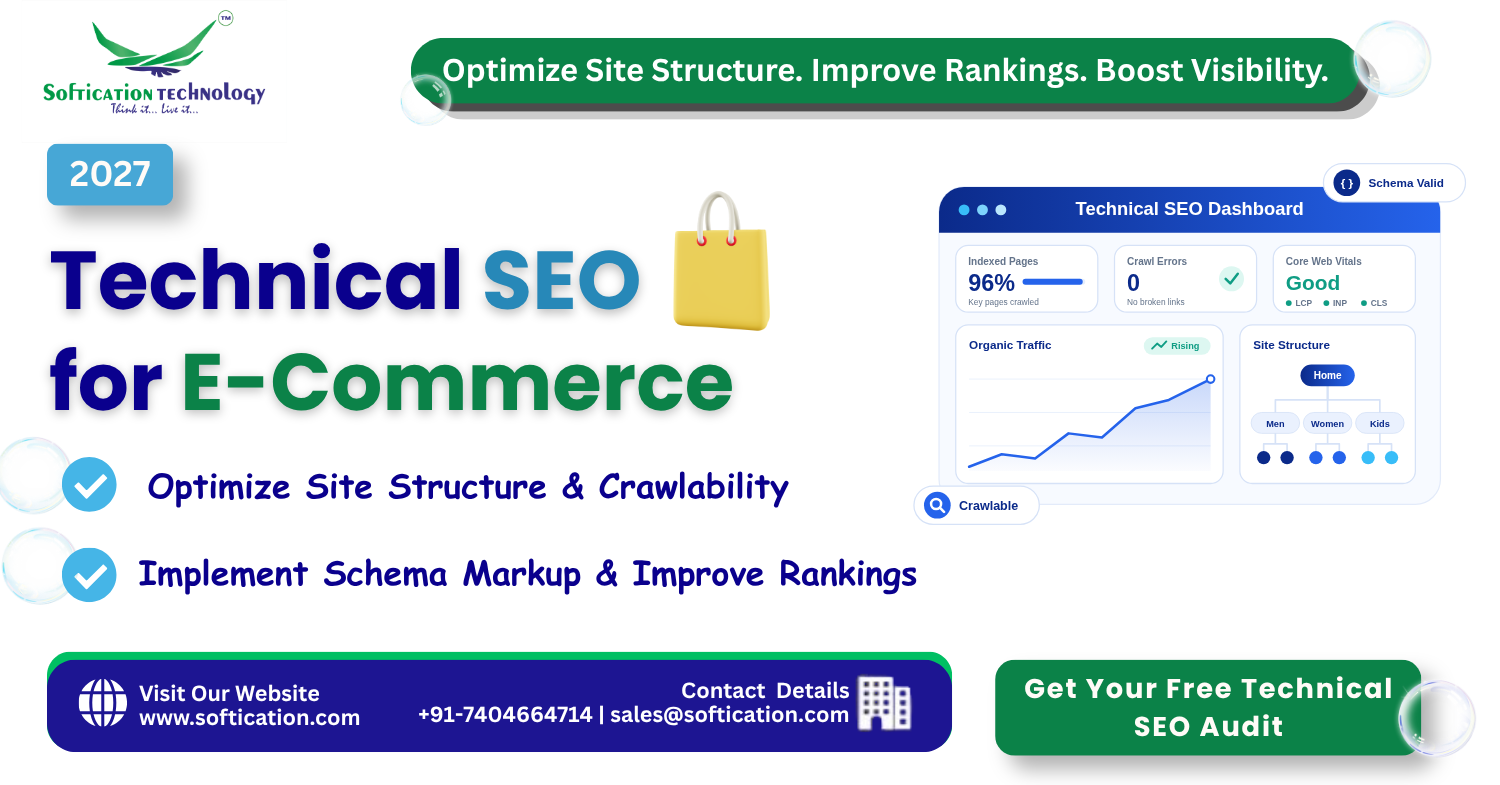
You can have great products, strong content, and a healthy marketing budget, and still struggle to rank. Often the reason isn't what's on your pages. It's how the site itself is built: how pages are organized, how search engines crawl them, and how clearly your products are described in code.
That's technical SEO, and for e-commerce it matters more than for almost any other kind of website. Online stores generate thousands of near-duplicate URLs from filters, sorting options, and variants, and a small structural mistake can hide your best products from search engines. This guide explains the fundamentals of e-commerce technical SEO, including site structure, schema markup, and crawl budget, in practical terms.
The Problem: Online Stores Are Technically Hard for Search Engines to Understand
A store isn't a simple website. It's a database that produces pages automatically, and left unmanaged, it creates problems search engines struggle with:
- Messy site structure, where important categories and products are buried many clicks deep or reachable only through search boxes and filters
- Faceted navigation explosion, where every combination of size, color, price, and sort order creates a new URL with nearly identical content
- Duplicate content, from product variants, URL parameters, printer-friendly pages, and the same product appearing in multiple categories
- Inconsistent or missing canonical tags, so search engines guess which version of a page should rank
- Thin or empty pages, such as empty categories, out-of-stock listings with no information, and internal search result pages indexed by accident
- Redirect chains and broken links, especially after migrations, redesigns, or product discontinuations
- Missing or incorrect structured data, so search engines can't reliably read price, availability, reviews, or product details
- Slow, JavaScript-heavy pages, where content loads late or isn't visible to crawlers
- Poor internal linking, leaving valuable products without links pointing to them
- Weak mobile and performance foundations, even though search engines evaluate mobile versions first
- No monitoring, so problems are discovered only after rankings and traffic have already fallen
None of this is visible to a shopper browsing your store. But search engines notice it immediately.
The Business Consequence: Technical SEO Problems Quietly Limit Your Revenue
Technical issues don't announce themselves with error messages. They show up as missing traffic.
Products that never get found. If search engines can't crawl or index a page properly, it can't rank, however good the product is.
Wasted crawl activity. Search engines spend their limited attention on low-value URLs, like filter combinations and duplicates, instead of your important pages.
Diluted ranking signals. When duplicate versions of the same page compete, authority is split rather than concentrated.
Less attractive search listings. Without proper structured data, your results may lack price, availability, and ratings, which can reduce click-through compared with richer listings.
Slow discovery of new products and updates. New arrivals, price changes, and stock updates take longer to be reflected in search.
Migration disasters. Redesigns and platform changes without technical SEO planning are a common cause of sharp, sometimes long-lasting traffic drops.
Higher paid dependency. If organic search underperforms, you have to buy more traffic to make up the difference.
Missed compounding growth. Organic traffic builds over time. Technical flaws slow that compounding, and the gap widens the longer they remain.
The cost of weak technical SEO is rarely a single event. It's a steady loss of visibility you never see in your sales reports, because those sales simply never happened.
Wondering whether technical issues are holding your store back? [Get a Free Technical SEO Audit →]
The Solution: Build a Technical Foundation Search Engines Can Read
Good technical SEO makes it easy for search engines to find, understand, and rank your most valuable pages. Here are the core areas.
1. Site structure and architecture
Think of your site as a hierarchy: homepage, then categories, subcategories, and products. A clean structure helps both shoppers and search engines.
Best practices
- Keep important pages within a few clicks of the homepage. A flat, logical structure is easier to crawl than a deep one.
- Organize categories around how customers search and think, not how your internal systems are arranged.
- Use clear, consistent URL patterns, for example
/category/subcategory/product-name, in lowercase, with readable words and no unnecessary parameters. - Add breadcrumb navigation so users and search engines can see where a page sits in the hierarchy.
- Link related products, categories, and guides to each other so authority flows to important pages.
- Make sure every important page is reachable through standard links, not only through search boxes, scripts, or filters.
2. Handling faceted navigation and duplicate content
Filters help shoppers, but they can create enormous numbers of URLs. The goal is to let search engines index valuable combinations (for example, "women's running shoes") while keeping low-value ones (for example, sorted by price with three filters applied) out of the way.
Common approaches
- Use canonical tags to point variant and parameter URLs to the preferred version of a page.
- Apply noindex to pages that shouldn't appear in search, such as internal search results and thin filter combinations.
- Use robots.txt carefully to stop crawlers wasting time on pointless URL patterns. Remember that blocking a URL from crawling is different from removing it from the index, so choose the right tool for each case.
- Decide which filter combinations deserve their own indexable, optimized pages, because those can capture valuable long-tail searches.
- Keep parameter handling consistent so the same page doesn't exist under many addresses.
3. Crawl budget basics
What it is. Crawl budget is the amount of attention a search engine gives your site: roughly, how many pages it's willing and able to crawl in a given time. It depends on how fast your server responds and how much the search engine values and needs to refresh your content.
Who needs to worry. Google's own guidance indicates crawl budget is mainly a concern for very large sites or sites with content that changes very frequently. Many small and mid-sized stores won't hit hard limits, but the same habits that protect crawl budget also improve indexing and site quality generally, so they're worth following.
What wastes crawl budget in e-commerce
- Faceted navigation and parameter URLs
- Duplicate pages and session IDs in URLs
- Long redirect chains
- Soft 404 pages and broken links
- Low-quality, thin, or empty pages
- Slow server response times
- Endless calendar or filter combinations that create infinite URL spaces
How to protect it
- Reduce unnecessary URLs through canonicals, noindex, and sensible internal linking.
- Fix redirect chains and broken links so crawlers reach the destination directly.
- Keep your XML sitemap clean, listing only canonical, indexable pages that you actually want in search, and update it as inventory changes.
- Improve server speed and reliability, since slow responses reduce how much crawlers fetch.
- Use Google Search Console's crawl stats and indexing reports to see what's being crawled and what's being skipped.
- For larger sites, analyze server log files to see exactly how crawlers behave on your site.
4. Structured data (schema markup)
Structured data is code that describes your content in a standard format search engines can read, helping them understand what a page is about and, in some cases, show richer search results.
Useful schema types for e-commerce
- Product, describing name, description, images, brand, SKU, and identifiers
- Offer, with price, currency, and availability (in stock, out of stock, pre-order)
- AggregateRating and Review, where you have genuine, visible customer reviews
- BreadcrumbList, showing the page's position in your site hierarchy
- Organization and WebSite, giving search engines information about your business
- Merchant-related details such as shipping and return policies, where supported
Best practices
- Mark up only what's actually visible on the page and keep it accurate. Misleading structured data can lead to penalties or lost eligibility for rich results.
- Make sure price and availability in the markup match what's shown to shoppers, and update them dynamically as stock changes.
- Test your markup with Google's Rich Results Test and monitor warnings and errors in Search Console.
- Follow current search engine guidelines, as supported features and requirements change over time.
5. Page speed, Core Web Vitals, and mobile-first foundations
Search engines primarily use the mobile version of your pages for indexing and ranking, and page experience is a factor. Technical priorities include:
- Optimizing images with modern formats, correct sizing, and lazy loading
- Reducing heavy scripts and unused code
- Using caching and a content delivery network
- Ensuring mobile pages contain the same important content and structured data as desktop
- Monitoring Core Web Vitals (loading, interactivity, and visual stability) and fixing problem templates
6. JavaScript and rendering
Modern storefronts often rely on JavaScript frameworks. If key content like product details, prices, and links only appears after scripts run, crawlers may see an incomplete page. Server-side rendering, static generation, or other approaches can ensure that important content and links are present in the initial HTML. If your store uses a JavaScript-heavy front end, test what search engines actually see.
7. Product lifecycle: out-of-stock, discontinued, and seasonal items
How you handle changing inventory affects SEO.
- Temporarily out of stock: usually keep the page live, show availability clearly, and offer alternatives or notifications.
- Permanently discontinued: redirect to the closest relevant product or category, or return an appropriate status if no good match exists.
- Seasonal products: keep the URL consistent year to year to preserve accumulated value.
- Avoid soft 404s: pages that look like errors but return a normal status confuse crawlers.
8. International and multi-language stores
If you sell in multiple countries or languages, use hreflang annotations correctly, choose a consistent URL structure (subfolders, subdomains, or country domains), and make sure currency, language, and structured data match each version.
9. Migrations and redesigns
Platform changes are the riskiest moment for technical SEO. Protect rankings by mapping every old URL to its new equivalent with 301 redirects, preserving titles, metadata, and structured data, keeping internal links updated, testing in a staging environment, and monitoring crawl and indexing closely after launch.
10. Monitoring and maintenance
Technical SEO isn't a one-time project. Set up regular audits, track indexing and crawl reports, monitor Core Web Vitals, watch for new errors after releases, and review structured data and sitemaps whenever your catalog or platform changes.
A quick technical SEO checklist for your store
| Area | What to check |
|---|---|
| Structure | Important pages within a few clicks; logical categories; clean URLs; breadcrumbs |
| Duplicates | Canonicals in place; filters and parameters controlled; no accidental indexing of internal search |
| Crawl efficiency | No long redirect chains; broken links fixed; clean XML sitemap; fast server response |
| Indexing | Key pages indexed; thin and empty pages handled; correct noindex use |
| Structured data | Product, Offer, Review, and Breadcrumb markup accurate and validated |
| Performance | Core Web Vitals healthy; images optimized; mobile parity |
| Rendering | Key content and links visible without relying on delayed scripts |
| Inventory handling | Clear rules for out-of-stock, discontinued, and seasonal products |
| International | Correct hreflang and consistent URL structure, if applicable |
| Monitoring | Search Console reviewed regularly; audits scheduled; post-release checks |
For a wider view of how architecture, platform, and performance fit together, see our pillar guide, Custom Web & E-Commerce Development: The Complete Guide for Businesses in 2026.
SoftiCation's Capability: Technical SEO Built Into the Store, Not Added Afterwards
At SoftiCation, we treat technical SEO as an engineering concern from the first day, not a checklist item after launch. Our capability includes:
- Technical SEO audits covering site structure, crawlability, indexing, duplicates, performance, structured data, and rendering
- Site architecture and URL planning, so categories, filters, and products are organized for both shoppers and search engines
- Faceted navigation and canonical strategy, controlling duplicate and low-value URLs while preserving valuable landing pages
- Structured data implementation, including Product, Offer, Review, Breadcrumb, and Organization markup that updates with your catalog
- Crawl optimization, including sitemap management, redirect cleanup, and server performance improvements
- Core Web Vitals and speed optimization, including image, caching, CDN, and front-end improvements
- JavaScript rendering solutions, such as server-side rendering or static generation for headless and JavaScript-heavy storefronts
- SEO-safe migrations and redesigns, with URL mapping, redirects, staging checks, and post-launch monitoring
- International SEO setup, including hreflang and multi-region structure
- Search Console and analytics setup, plus ongoing monitoring and reporting
- Custom development, so fixes that require platform or code changes are implemented properly, not just recommended
Because we handle both the SEO diagnosis and the development, issues get fixed instead of staying on a report.
Want to know what's holding your store back technically? [Talk to a Technical SEO Specialist →]
Frequently Asked Questions
What is technical SEO for e-commerce? It's the practice of optimizing the structure and code of your store so search engines can crawl, index, and understand it. It covers site architecture, duplicate content, structured data, speed, and rendering.
What is crawl budget, and should I worry about it? Crawl budget is the amount of crawling a search engine allocates to your site. It matters most for very large or rapidly changing sites, but good crawl hygiene benefits stores of any size.
What schema markup should an online store use? Product, Offer, Review or AggregateRating (where you have genuine reviews), BreadcrumbList, and Organization are the core types. Always keep markup accurate and consistent with visible page content.
How should I handle filters and faceted navigation? Control them with canonicals, noindex, and careful use of robots.txt, and create indexable landing pages only for filter combinations with real search demand.
Should I delete out-of-stock product pages? Usually not for temporary stockouts. Keep the page, show availability, and suggest alternatives. For permanently discontinued products, redirect to the closest relevant page.
How long does technical SEO take to show results? Some fixes, such as removing indexing errors, can show effects within weeks. Others, such as structural changes, take longer because search engines need time to recrawl and reassess your pages.
Can I do technical SEO on Shopify or WooCommerce? Yes, though each platform has strengths and limits. Some changes are easy; others need custom development or theme-level work.
Ready to Make Your Store Easier for Search Engines to Understand?
Technical SEO is the foundation under every other marketing effort. When it's right, content, links, and ads all work harder. When it's wrong, you pay for it in invisible, ongoing losses.
Get a Free Technical SEO Audit and find out exactly what's holding your store back in search, what to fix first, and what it could be worth.
[Get Your Free Technical SEO Audit →]
Or talk to us directly. We'll walk you through what we'd check and why. 📞 Call/WhatsApp us today to discuss your store's technical SEO.