
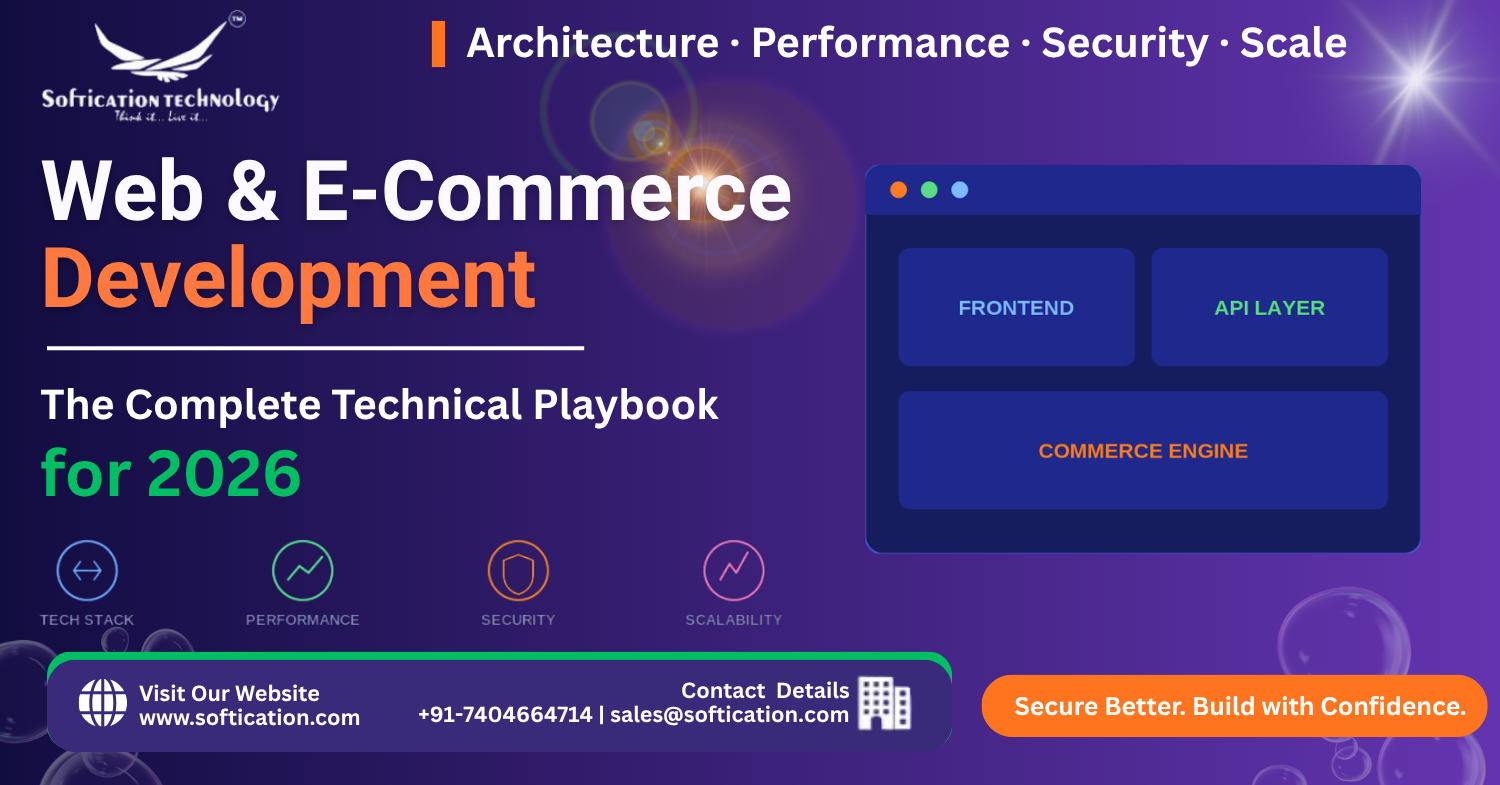
Building a website or an online store used to mean picking a template, choosing a hosting plan, and going live within a week. In 2026, that's no longer where most growing businesses land. Between headless architectures, Core Web Vitals affecting search rankings, PCI-DSS compliance, and customers who expect sub-two-second load times on mobile, "just build a website" has quietly become a technical decision with real business consequences.
This guide breaks down the technical playbook — the architecture, tech stack, and infrastructure decisions — that separate web and e-commerce platforms built to last from ones that need a costly rebuild within two years.
Why Web Development Decisions Matter More Than Ever
A website is no longer a static brochure. For most businesses, it's the primary sales channel, the first impression, and increasingly, the interface through which customers interact with a brand entirely. That shift changes what "good" web development looks like.
Three forces are driving this change in 2026:
- Search engines now weigh performance directly. Google's Core Web Vitals are a confirmed ranking factor — a beautifully designed site that loads slowly will rank below a faster, plainer competitor.
- Customer expectations have compressed. Mobile users abandon a page that takes more than a few seconds to load. There's no "acceptable" slow anymore.
- Security and compliance are non-negotiable for e-commerce. Handling payment data without proper safeguards isn't just risky — it's often illegal under regional data protection laws.
Every decision covered in this playbook exists because one of these three forces makes it matter.
Choosing the Right Web Development Architecture
The single biggest architectural decision early on is whether to build monolithic or headless (decoupled).
A monolithic setup — where the frontend and backend are tightly integrated, as in a traditional WordPress or Shopify theme-based site — is faster to launch and easier to maintain with a small team. A headless architecture separates the frontend presentation layer from the backend content or commerce engine, communicating through APIs.
Headless makes sense when:
- You need the same content or product data to power a website, a mobile app, and possibly in-store kiosks or other channels
- Your team wants full control over frontend performance and user experience without being boxed in by a CMS's theme system
- You're planning for significant scale and need frontend and backend teams to work and deploy independently
Headless is overkill when:
- You're an early-stage business validating a product or market
- Your team is small, and the operational overhead of managing separate frontend and backend deployments isn't worth it yet
- Your content and commerce needs are relatively standard and well-served by an established platform
The mistake we see most often isn't choosing the "wrong" architecture — it's choosing headless before there's a genuine multi-channel or scale need to justify the added complexity.
Selecting a Modern Web Development Tech Stack
Once the architecture is decided, the tech stack determines how fast your team can build, and how well the site performs once live.
Frontend frameworks dominating in 2026:
- React remains the most widely adopted library, backed by the largest talent pool and ecosystem
- Next.js (built on React) has become the default choice for teams that need server-side rendering, static generation, and strong SEO performance out of the box
- Vue.js offers a gentler learning curve and is popular for teams prioritizing developer velocity on small-to-mid-sized projects
Backend and infrastructure considerations:
- Node.js for JavaScript-consistent full-stack development
- PHP (Laravel) remains a strong, mature choice for content-heavy or WordPress-adjacent projects
- Cloud-native deployment (AWS, Azure, GCP) for scalability without upfront infrastructure investment
The right stack isn't the newest one — it's the one your team can build and maintain confidently, that also meets your specific performance and SEO requirements.
Performance: Why Core Web Vitals Aren't Optional
Google measures three specific metrics as part of Core Web Vitals: Largest Contentful Paint (how fast the main content loads), Interaction to Next Paint (how responsive the page feels), and Cumulative Layout Shift (how visually stable the page is while loading).
Practical steps that move these metrics:
- Serve images in modern formats (WebP/AVIF) and lazy-load anything below the fold
- Minimize third-party scripts — every marketing pixel and chat widget adds load time
- Use a CDN to serve static assets closer to the user
- Pre-render or statically generate pages wherever content doesn't change per-request
Performance isn't a one-time audit. It's a metric that degrades silently as more scripts, plugins, and features get added over time — worth monitoring on a recurring basis, not just at launch.
E-Commerce-Specific Technical Requirements
For businesses building an online store specifically, a few additional technical layers come into play beyond standard web development.
Security and compliance: Any platform handling payment data needs PCI-DSS compliance, SSL/TLS encryption across the entire checkout flow, and secure handling of customer data in line with regulations like GDPR for European customers.
Inventory and order management integration: As product catalogs grow, syncing inventory across a website, a warehouse system, and potentially multiple sales channels becomes a real engineering problem, not just a plugin setting.
Scalable checkout flows: Checkout is where trust and conversion intersect. It needs to handle traffic spikes (seasonal sales), support multiple payment methods, and fail gracefully rather than losing an order when something goes wrong.
Mobile-First Isn't Just Responsive Design
Mobile-first development means more than a responsive layout that resizes on a smaller screen. It means designing the primary user flow — browsing, search, checkout — for touch interaction and smaller viewports first, then adapting up to desktop, rather than the reverse.
This matters because mobile traffic now represents the majority of e-commerce sessions for most businesses, even when desktop still converts at a higher rate for larger purchases. A site that merely "shrinks" for mobile, without rethinking navigation and interaction patterns, consistently underperforms one designed mobile-first from the start.
Planning for What Comes After Launch
The most overlooked part of any web or e-commerce project is what happens after it goes live. Sites need:
- Ongoing security patching — outdated plugins and dependencies are the most common entry point for breaches
- Performance monitoring — Core Web Vitals and page speed can degrade gradually as content and features are added
- Scalability planning — traffic growth, seasonal spikes, and catalog expansion all put pressure on infrastructure that wasn't necessarily provisioned for peak load
A launch-day-perfect website that has no plan for the following twelve months tends to accumulate the same kind of quiet technical debt as any other unmaintained system.
Bringing It Together
There's no single "correct" way to build a website or e-commerce platform in 2026 — the right architecture, stack, and priorities depend on your business stage, team size, and growth trajectory. What consistently separates platforms that scale well from ones that need an expensive rebuild is whether these decisions were made deliberately, with the next stage of growth in mind, rather than defaulting to whatever was fastest to ship.
Over the next few weeks, we'll be breaking down each of these areas in more depth — from headless commerce and tech stack selection to security, performance, and post-launch maintenance — as part of our ongoing series on modern web and e-commerce development.