Building an e-commerce store in 2026 involves more decisions than most businesses expect going in: which platform, how much to budget, whether to go headless, how to handle payments and security, and when custom development actually makes sense versus a well-configured off-the-shelf platform. This guide covers all of it in one place — the questions to ask, the trade-offs behind each decision, and realistic numbers for cost and timeline.
Whether you're launching your first online store or evaluating a move away from a platform you've outgrown, the goal of this guide is the same: give you enough grounded information to make platform, budget, and scope decisions with confidence, before you talk to a development team.
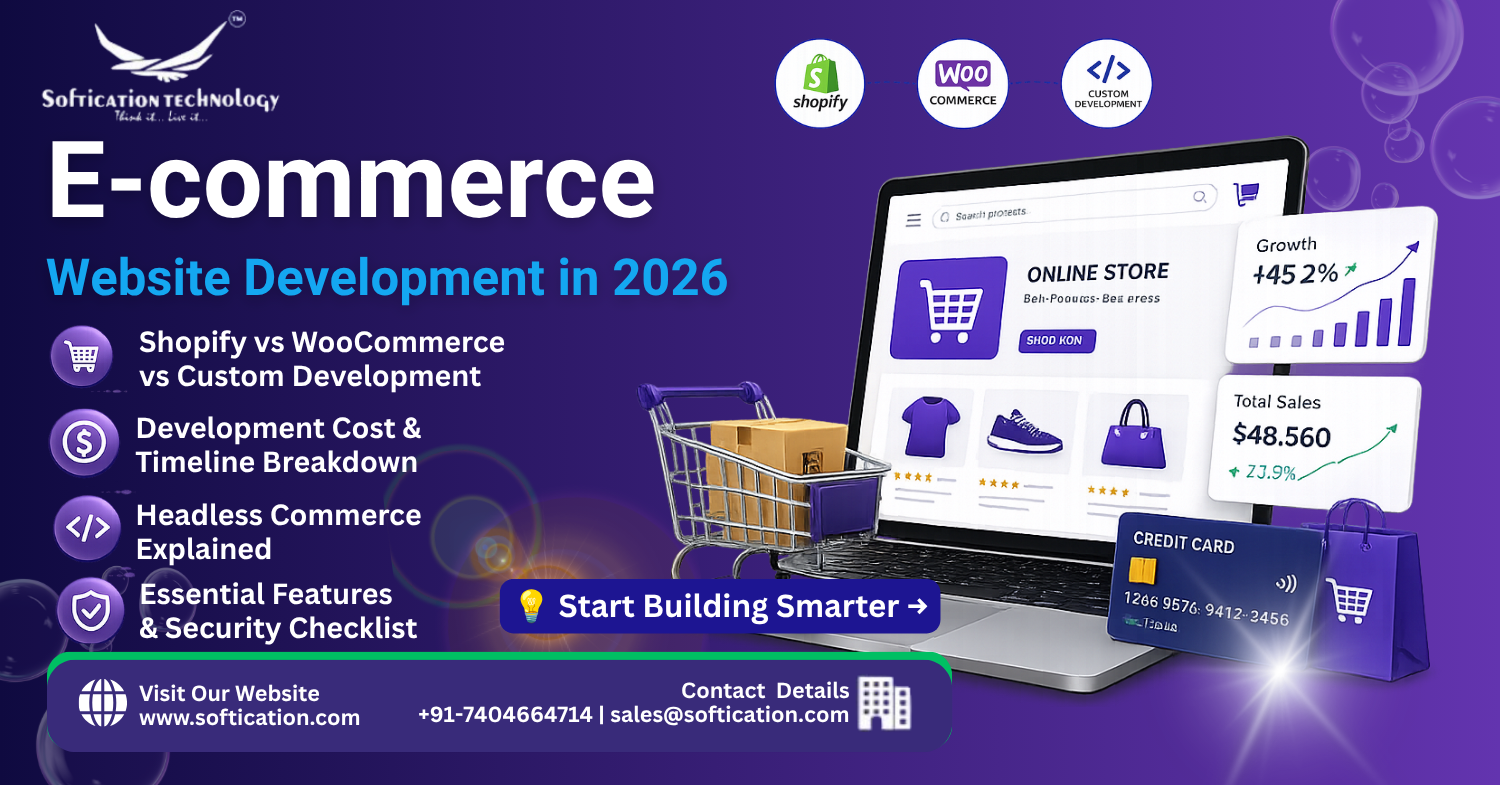
Choosing the Right Platform: Shopify, WooCommerce, or Custom
The platform decision shapes almost everything downstream — cost, timeline, flexibility, and long-term maintenance. There's no universally "best" option; the right choice depends on your catalog complexity, growth plans, and technical resources.
Shopify is the most common starting point for businesses that want to launch quickly without managing infrastructure. It handles hosting, security, and PCI compliance out of the box, and its app ecosystem covers most standard e-commerce needs — reviews, upsells, email marketing, subscriptions. The trade-off is less flexibility for highly custom logic and ongoing app subscription costs that add up as a store scales.
WooCommerce, built on WordPress, offers more flexibility and lower baseline platform costs since it's open-source, but shifts more responsibility onto you (or your dev team) for hosting, security, and performance optimization. It's a strong fit for businesses that already run on WordPress or want more control without a fully custom build.
Custom development makes sense when your business logic genuinely doesn't fit a template — complex pricing rules, unusual product configurators, tight integrations with internal systems, or performance requirements that off-the-shelf platforms struggle to meet at scale. It costs more and takes longer, but removes the constraints of building around someone else's platform limitations.
A general rule of thumb: start with Shopify or WooCommerce unless you have a specific, well-defined reason custom development is necessary. Most businesses overestimate how custom their requirements actually are.
What Drives E-commerce Development Cost
Cost ranges for e-commerce projects are wide because scope varies enormously. Here's a realistic breakdown by tier:
| Tier | What It Typically Includes | Cost Range (USD) |
|---|---|---|
| Basic store setup | Shopify/WooCommerce with theme customization, standard integrations, up to ~50 products | $3,000 – $8,000 |
| Standard custom store | Custom design, expanded catalog, multiple payment/shipping integrations, basic automation | $8,000 – $25,000 |
| Advanced/custom platform | Fully custom frontend and backend, complex product logic, ERP/CRM integrations, headless architecture | $25,000 – $80,000+ |
| Multi-vendor marketplace | Vendor onboarding, commission logic, multi-party payments, vendor dashboards | $30,000 – $100,000+ |
The factors that move a project between these tiers:
- Catalog size and complexity — a few dozen simple products versus thousands of SKUs with variants, bundles, or configurators
- Integration count — ERP, CRM, inventory management, accounting software, and marketing tools each add scope
- Design customization level — a themed template versus a fully custom, brand-specific frontend
- Payment and shipping complexity — multiple currencies, multiple payment gateways, real-time shipping rate calculation, or international tax handling all add development time
How Long Does E-commerce Development Take?
Timeline expectations should scale with the tiers above:
- Basic store setup: 3–6 weeks
- Standard custom store: 6–12 weeks
- Advanced/custom platform: 12–24 weeks
- Multi-vendor marketplace: 16–28 weeks
The single biggest factor that extends timelines beyond these ranges isn't development speed — it's scope changes mid-project. Locking product requirements, integrations, and design direction before development starts is the most reliable way to hit your target launch date.
Headless Commerce: When It's Worth the Added Complexity
Headless commerce separates the frontend (what customers see) from the backend (product, inventory, and order management), connecting them through APIs instead of running on a single unified platform. It's a significant architectural decision, not a default choice.
Headless makes sense when:
- You need a highly customized, fast frontend experience that a standard platform template can't deliver
- You're selling across multiple channels (web, app, in-store kiosks) from a single backend
- Page speed and Core Web Vitals are a competitive priority, since headless frontends can be optimized more aggressively than typical themed stores
- Your team has the engineering resources to maintain a more complex architecture
Headless is usually overkill when:
- You're a smaller catalog store without multi-channel needs
- Your team doesn't have dedicated frontend engineering resources to maintain a custom-built experience
- A well-optimized Shopify or WooCommerce theme would already meet your performance needs
Headless architecture typically adds 30-50% to both cost and timeline compared to a standard platform build, so it's worth confirming the specific business case before committing to it.
Core Features Every E-commerce Store Needs
Regardless of platform, a handful of features are close to non-negotiable for a functional store in 2026:
- Mobile-optimized design — the majority of e-commerce traffic in most categories is now mobile, making responsive, fast-loading mobile pages essential rather than optional
- Secure payment processing — PCI-compliant payment handling, whether through a hosted checkout or a properly secured custom integration
- Inventory management — real-time stock tracking to prevent overselling, especially important for stores selling across multiple channels
- Search and filtering — effective on-site search becomes increasingly important as catalog size grows beyond a few dozen products
- Shipping and tax calculation — accurate, automated rate calculation based on destination, weight, and applicable tax rules
- Order management and fulfillment integration — a clear pipeline from order placed to order fulfilled, ideally integrated with your fulfillment provider or warehouse system
- Customer accounts and order history — supports repeat purchases and reduces support inquiries about order status
Payment Gateways and Security
Payment integration is one of the areas where cutting corners creates real business risk. Key considerations:
- PCI DSS compliance is required for any business handling card payment data, though hosted checkout solutions (Shopify Payments, Stripe Checkout) shift much of this compliance burden onto the payment provider rather than your own infrastructure
- Multiple payment methods — credit/debit cards, digital wallets (Apple Pay, Google Pay), and increasingly buy-now-pay-later options are now standard customer expectations, not premium add-ons
- Fraud detection — most major payment processors include baseline fraud screening, but higher-volume stores often benefit from additional fraud detection tools layered on top
- SSL/TLS encryption across the entire site, not just the checkout page, is a baseline requirement both for security and for search ranking purposes
Build vs. Hire: Choosing a Development Approach
Most businesses have three realistic paths for building an e-commerce store:
DIY on a hosted platform — fastest and cheapest for very simple stores, but limited by template constraints and requires someone in-house comfortable managing the platform.
Freelancer or small dev team — a reasonable middle ground for standard custom builds, though quality and reliability vary significantly and ongoing support after launch needs to be explicitly agreed on upfront.
Development agency — typically the right choice for standard-to-advanced custom builds, multi-vendor marketplaces, or headless architecture, since these projects benefit from a team covering design, frontend, backend, and QA together rather than a single generalist handling everything.
When evaluating a team or agency, ask specifically about their experience with your chosen platform, their approach to post-launch support, and whether they've built stores at a comparable catalog size and complexity to yours — generic e-commerce experience doesn't always transfer cleanly between a 50-SKU boutique store and a 5,000-SKU multi-category catalog.
The Bottom Line
E-commerce development in 2026 isn't a one-size-fits-all project. The right platform, budget, and timeline depend entirely on your catalog complexity, growth plans, and how much customization your business genuinely requires versus what a well-configured standard platform can already deliver. Getting the platform decision right upfront — rather than defaulting to whatever's most familiar — is the single highest-leverage choice in the entire process, since it shapes cost, timeline, and flexibility for years after launch.
FAQ: E-commerce Website Development
How much does it cost to build an e-commerce website in 2026? Costs typically range from $3,000–$8,000 for a basic platform-based store, $8,000–$25,000 for a standard custom store, and $25,000–$80,000+ for advanced custom or headless builds, depending on catalog size, integrations, and design complexity.
Should I choose Shopify, WooCommerce, or custom development? Shopify suits businesses wanting a fast, managed launch with minimal technical overhead. WooCommerce offers more flexibility and lower platform costs for teams comfortable managing more of the technical side. Custom development is worth the added cost only when business logic genuinely doesn't fit either platform's standard capabilities.
How long does it take to build an online store? A basic store typically takes 3–6 weeks, a standard custom store 6–12 weeks, and an advanced custom or headless platform 12–24 weeks. Multi-vendor marketplaces generally take 16–28 weeks.
What is headless commerce and do I need it? Headless commerce separates the customer-facing frontend from the backend systems, connected via APIs, allowing for more customization and multi-channel selling. It's typically only worth the added cost and complexity for larger stores with dedicated engineering resources or specific performance and multi-channel requirements.
What features does every e-commerce store need at launch? At minimum: mobile-optimized design, secure and PCI-compliant payment processing, real-time inventory management, on-site search, automated shipping and tax calculation, and customer account functionality with order history.