
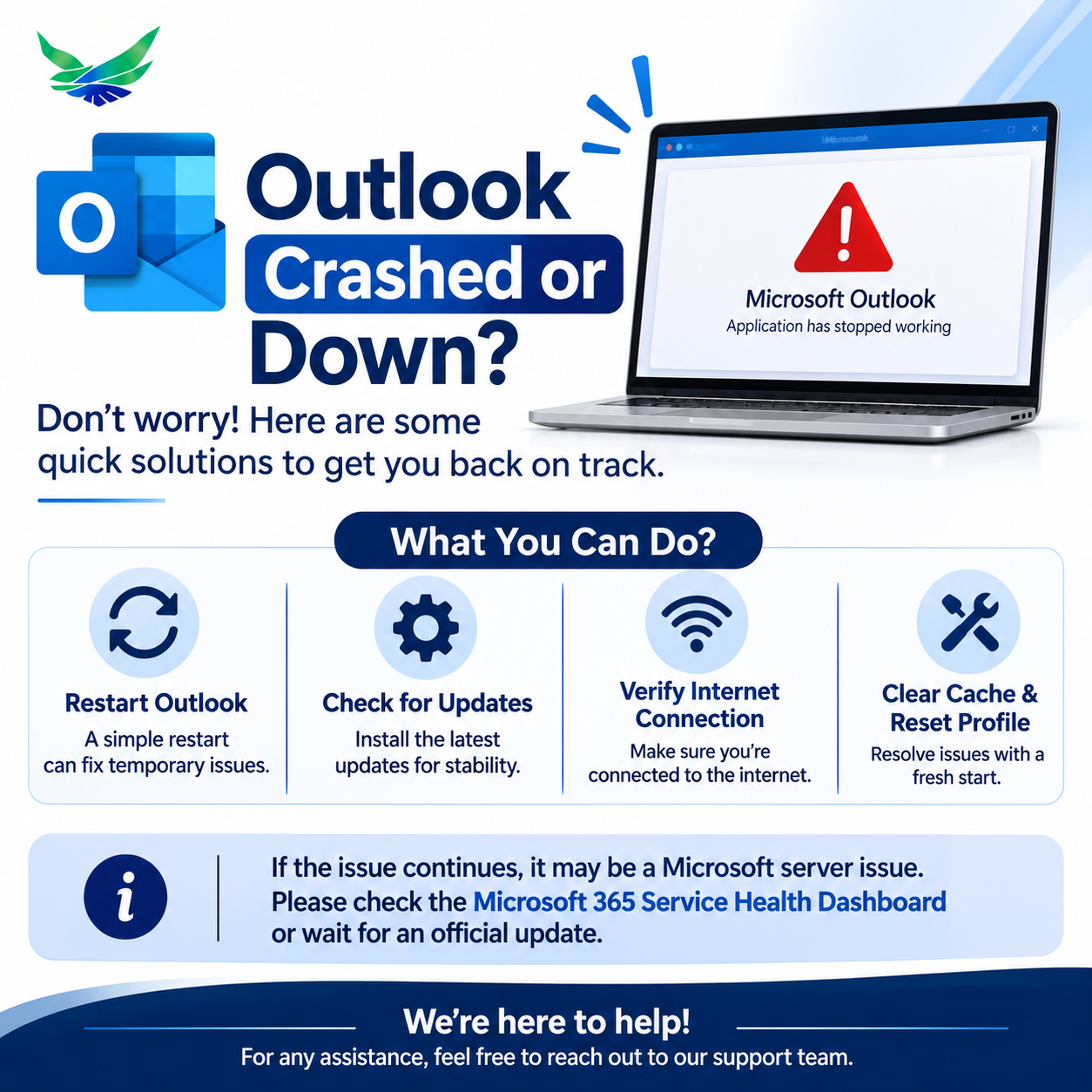
Microsoft Outlook Down? Global Microsoft 365 Outage Disrupts Email and Business Operations
Microsoft Outlook and several Microsoft 365 services have experienced a major service disruption, affecting users and businesses across multiple regions.
The outage, which began on November 12, 2026, caused users to experience difficulties accessing email accounts, connecting to Exchange Online mailboxes, sending and receiving messages, and using other Microsoft cloud services.
For businesses that depend on Microsoft 365 for daily communication and collaboration, the incident is another reminder that even widely used cloud platforms can experience unexpected service interruptions.
In this article, we explain what happened, which services were affected, what Microsoft has reported so far, and how businesses can prepare for similar disruptions.
What Happened During the Microsoft Outlook Outage?
On November 12, users began reporting widespread problems accessing Microsoft Outlook and Exchange Online.
Reports increased rapidly on Downdetector, with nearly 130,000 Outlook-related problem reports recorded around the peak of the disruption.
Microsoft acknowledged the connectivity problems and began investigating issues affecting Exchange Online mailboxes.
Initially, the company identified elevated infrastructure load across multiple regions. Further investigation indicated that a number of servers had unexpectedly become unavailable, placing additional pressure on the remaining infrastructure.
Microsoft subsequently began restarting affected servers, redistributing traffic and testing alternative recovery methods.
The company reported limited recovery as some affected servers returned to service. However, service restoration was gradual, and users in some regions continued to experience problems.
Which Microsoft Services Were Affected?
The incident extended beyond Outlook email.
Reportedly affected Microsoft services included:
- Microsoft Outlook: Problems accessing inboxes, sending and receiving emails.
- Exchange Online: Mailbox connectivity and access issues.
- Microsoft Teams: Connectivity and collaboration disruptions.
- SharePoint Online: Access and service availability issues.
- Microsoft 365 Copilot: Connectivity problems.
- Other Microsoft 365 services: Some additional enterprise applications and administrative services also experienced disruption.
The impact varied by service and region. Not every user experienced the same symptoms.
Why Was Microsoft Outlook Not Working?
According to Microsoft’s incident updates, some servers unexpectedly became unavailable, shifting additional workload onto the remaining infrastructure.
Microsoft also investigated issues involving automated server health checks and a core process that was becoming overwhelmed and causing affected servers to stop responding.
The recovery work included:
- Restarting affected servers.
- Validating server health and availability.
- Redistributing traffic across available infrastructure.
- Moving traffic away from affected systems.
- Testing configuration changes and alternative recovery approaches.
It is important to distinguish between a confirmed technical issue and speculation. The outage should not automatically be described as a cyberattack. Microsoft had not established a cyberattack as the cause in the reports available at the time of publication.
How Does a Microsoft 365 Outage Affect Businesses?
Email and cloud collaboration platforms are central to modern business operations.
When these services become unavailable, the impact can extend beyond employees being unable to check their inboxes.
1. Delayed Business Communication
Sales teams, customer support departments, project managers and business owners may be unable to communicate with clients and colleagues through their usual email channels.
2. Interrupted Daily Operations
Businesses that depend on cloud-based collaboration, document access and scheduling may experience delays in routine activities.
3. Missed Business Opportunities
Delayed quotations, proposals, customer enquiries and approvals can affect business relationships and revenue opportunities.
4. Reduced Employee Productivity
Employees may lose time trying to access unavailable applications, troubleshoot connection errors or find alternative communication methods.
5. Integration and Workflow Disruptions
Businesses using Microsoft 365 connectors, APIs and integrated applications may also experience interruptions when upstream services become unavailable.
What Should You Do When Outlook Is Down?
If Outlook is not opening, your mailbox is unavailable or you cannot send emails, try these practical steps.
Step 1: Check Microsoft’s Official Service Status
Before changing your computer or email settings, check whether Microsoft has reported a service incident.
Official resources:
- Microsoft 365 Service Health: https://status.cloud.microsoft/
- Microsoft 365 Admin Center: https://admin.microsoft.com/
For business accounts, administrators can check the Service Health section in the Microsoft 365 Admin Center.
Step 2: Avoid Unnecessary Account Changes
If the issue is caused by Microsoft’s infrastructure, repeatedly changing passwords, deleting accounts or reinstalling Outlook may not solve the problem.
Step 3: Check Your Internet Connection
Confirm that your internet connection is working and that other websites and applications are accessible.
Step 4: Try Another Access Method
If appropriate, test Outlook on the web or another authorized device. Remember that an infrastructure-level outage may affect multiple access methods.
Step 5: Use Alternative Communication Channels
If email is unavailable, use approved alternatives such as business phone numbers, messaging platforms or other established communication channels.
Step 6: Wait for Official Recovery Updates
If Microsoft confirms a service incident, monitor its updates and allow affected services time to recover.
How Can Businesses Prepare for Future Cloud Outages?
No cloud platform can promise uninterrupted availability in every situation. Businesses should prepare for temporary service disruptions rather than assuming their preferred applications will always be accessible.
Here are some practical recommendations.
1. Establish Alternative Communication Channels
Maintain approved backup communication methods for employees, customers, suppliers and business partners.
2. Develop a Business Continuity Plan
Document how important business activities will continue when email, cloud storage or collaboration tools become unavailable.
3. Maintain Reliable Data Backup Strategies
Keep appropriate backups of critical business information and ensure that recovery procedures are tested.
4. Monitor Cloud Service Health
Assign responsibility for monitoring important service announcements and communicating incidents to employees.
5. Review Third-Party Dependencies
Understand which business processes depend on external platforms, APIs, connectors and cloud infrastructure.
6. Design Systems with Resilience in Mind
For critical business applications, consider suitable redundancy, recovery procedures, monitoring and alternative communication or processing paths.
The right architecture depends on the business, its availability requirements, budget and operational risks.
Why Cloud Infrastructure Reliability Matters More Than Ever
Businesses are increasingly dependent on SaaS applications, cloud hosting, online collaboration and integrated software platforms.
These technologies offer scalability, flexibility and accessibility. However, they also introduce dependencies on external infrastructure.
A disruption to one important service can affect several connected business processes.
This is why businesses should consider reliability during the planning and development stages of their digital systems.
At SoftiCation Technology, we believe that building software is not only about delivering features. It also involves understanding business workflows, infrastructure requirements, security, scalability and recovery needs.
How SoftiCation Helps Businesses Build Reliable Digital Solutions
SoftiCation Technology Pvt. Ltd. provides custom software development and technology solutions for startups, small and medium-sized businesses, and growing enterprises.
Our services include:
- Custom Web Application Development
- SaaS Product Development
- Cloud Infrastructure and DevOps
- API and Third-Party Integrations
- Enterprise Software Development
- CRM, ERP and Business Management Systems
- Application Maintenance and Technical Support
Whether you are developing a new business application or improving an existing platform, our team can help you plan and build technology aligned with your operational requirements.
We focus on practical architecture, scalable development and long-term maintainability.
Frequently Asked Questions
Is Microsoft Outlook down today?
Microsoft reported a major Outlook and Microsoft 365 disruption beginning November 12, 2026. Service restoration has been gradual, and users should check Microsoft’s official service health resources for the latest status in their region.
Why is Outlook showing a server unavailable error?
This can happen because of Microsoft service disruptions, Exchange Online connectivity issues, network problems, account configuration issues or local application errors.
Was Microsoft Outlook hacked?
The outage reports available at the time of publication did not establish a cyberattack as the cause. Microsoft’s reported investigation focused on server availability and infrastructure-related issues.
Were Microsoft Teams and SharePoint also affected?
Yes. Reports and Microsoft’s incident communications identified connectivity problems affecting several Microsoft 365 services, including Teams and SharePoint Online.
What should businesses do when Microsoft 365 is unavailable?
Businesses should monitor official service updates, use approved alternative communication channels, avoid unnecessary account changes and follow their business continuity procedures.
Can businesses avoid cloud service outages completely?
No. Even well-designed cloud platforms can experience service interruptions. Businesses can reduce operational risk through appropriate backup strategies, redundancy, monitoring and continuity planning.
Where can I check Microsoft’s official outage updates?
Visit https://status.cloud.microsoft/ or check Service Health in the Microsoft 365 Admin Center if you have administrator access.
Final Thoughts
The Microsoft Outlook and Microsoft 365 disruption highlights an important reality of modern business technology: even established global platforms can experience unexpected downtime.
For businesses, the goal should not simply be to use reliable software. It should also be to prepare for situations when essential services become temporarily unavailable.
A strong business continuity strategy, suitable infrastructure planning and well-designed applications can help organizations reduce disruption and maintain essential operations.
Need help developing or improving your business software infrastructure?
Contact SoftiCation Technology to discuss your custom software development, SaaS, cloud and enterprise technology requirements.
SoftiCation Technology Pvt. Ltd.
People Matter, Results Count.
Website: https://www.softication.com
Email: sales@softication.com
Phone: +91-7404664714